Every Frontier Model Can Be Personalized for You
Phota API now lets you choose your base model — GPT Image 2, Nano Banana 2, and more — with Phota's identity layer running on top.
Generic visual GenAI has learned the world — physics, composition, photorealism. Personal visual GenAI is the layer that’s missing: knowledge of any particular individual. Identity, context, and preference are the three layers of personal knowledge. Today, we’re opening the first one — identity — to any base model you choose, including GPT Image 2 which OpenAI released this past week. One API. Every frontier base model. Subjects in the frame who actually look like themselves.
Generic models learned the world. They’ve never learned you.
Every few months, a new frontier image model ships — GPT Image, Nano Banana, Qwen Image, FLUX 2. Each one is better than the last at physics, composition, photorealism, text rendering. Each is stunning on prompts like “a person at a coffee shop in Tokyo”.
None of them know you.
We’re not building a new base model. The generic frontier has learned the world remarkably well. What every one of those models is missing is personal knowledge of the person in the frame — and that’s the one thing Phota builds. Today, you can bring it to any of them.
Identity is a layer that has to be learned.
Personal knowledge is orthogonal to world knowledge. A base model that can render a beautiful coffee shop in Tokyo doesn’t need to be retrained to place you there - it simply needs to be combined with information it doesn’t already have. An identity layer, trained on your personal album, learns the knowledge about you, and carries it through to the final image.
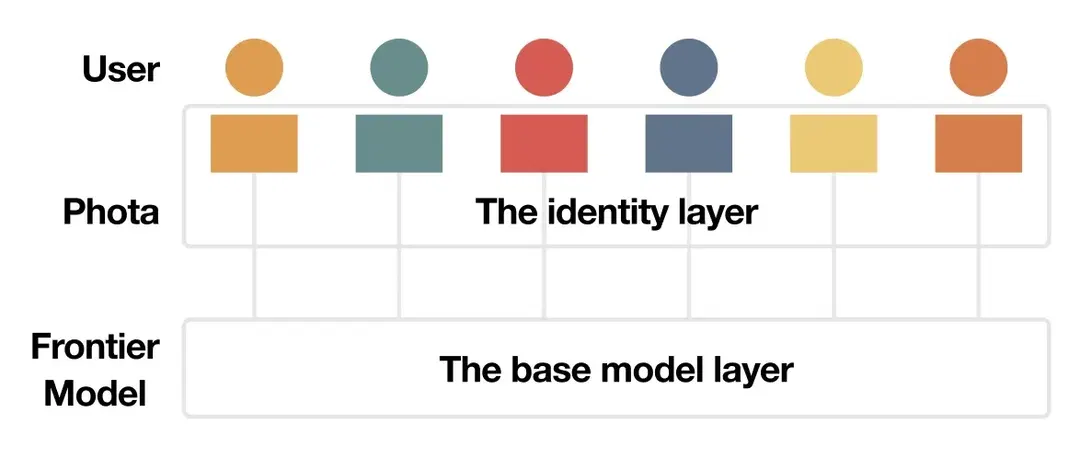
Fig 1. The personal layer sits between you and the base model, carrying each subject’s personal knowledge through to the output.
As the previous blog on identity breaks down, identity spans static features (bone structure, eye shape), dynamic features (how you smile, how your eyes crinkle), and transient features (haircut, glasses). All three have to be preserved, and all three have to be learned from a body of your photos, in a one-time training step. A paragraph describing your face can’t capture how your eyes crinkle when you smile; a handful of reference photos at inference time still can’t generalize across the angles, lighting, and expressions real photos span. Identity preservation is not a prompting problem.
What ships today: the identity layer on any supported base model, selectable per request.
GPT Image 2, now with identity.
OpenAI shipped GPT Image 2 this past week. Phota API and Phota Studio both support it starting today, with identity layered on top.
GPT Image 2 is a major step forward on world knowledge — near-perfect text rendering, crisper photorealism, tighter prompt adherence on complex compositions. Every one of those capabilities becomes more valuable when the subject is a real person. And the gap — the “this person is almost me” feeling — becomes more obvious. Identity preservation is the difference between an impressive generation and one you’d actually send your family.


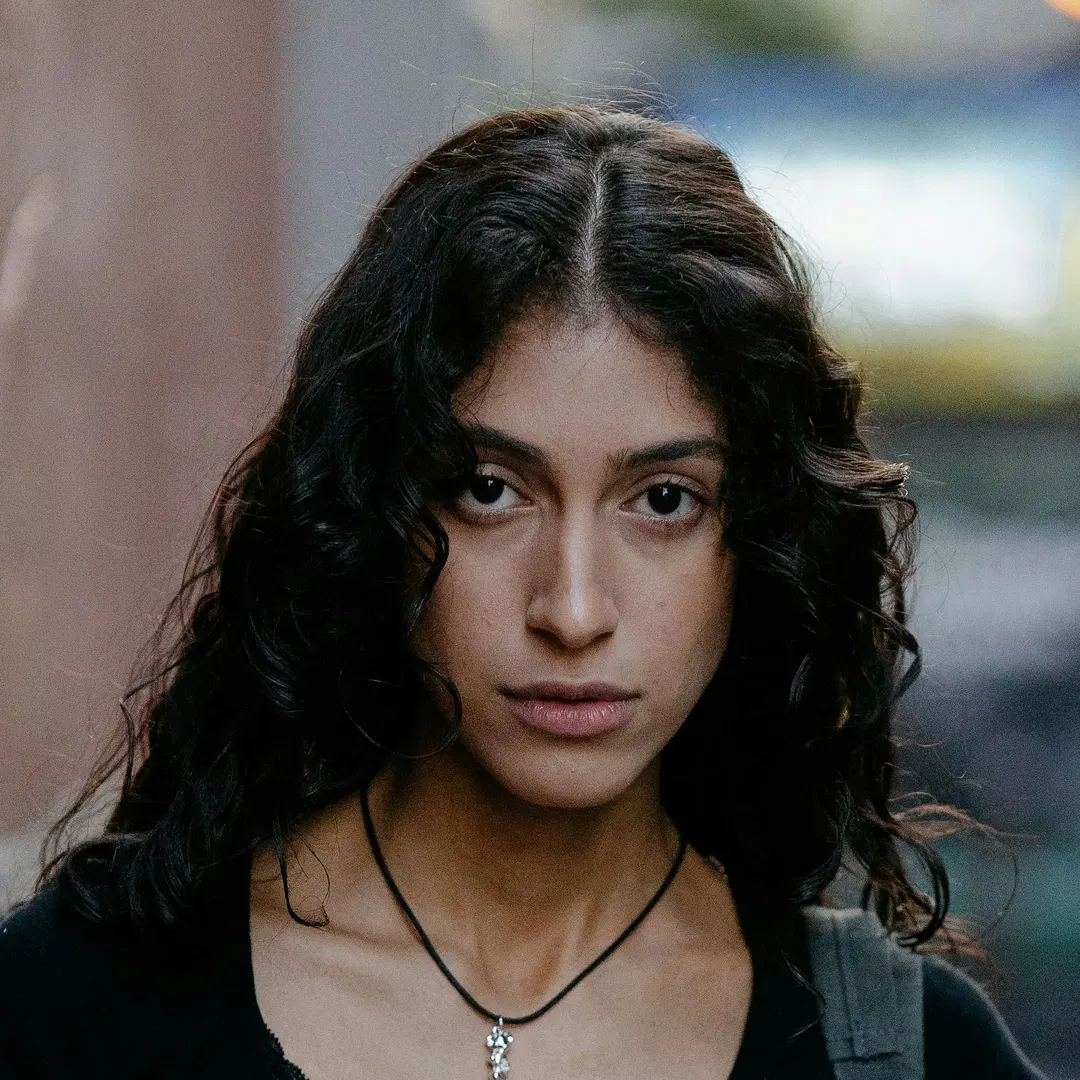 + Reference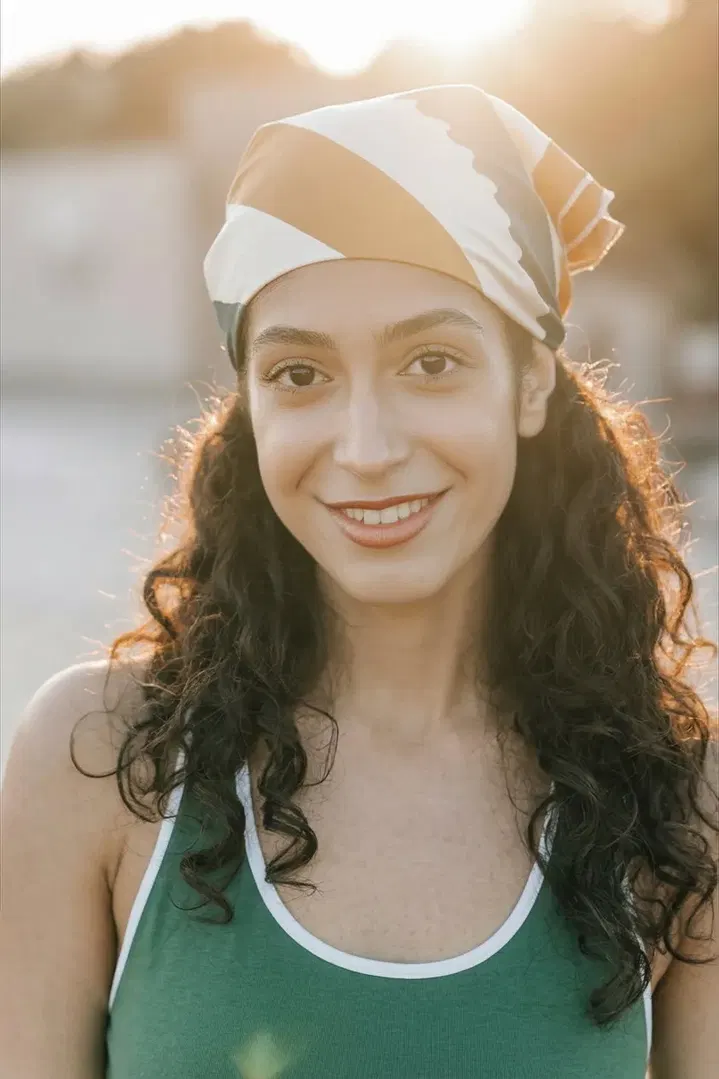

Fig 2. Edit prompt: “Turn the woman’s body towards the camera and give her a big smile.” The small inset on GPT Image 2’s result is the reference photo passed to GPT as an additional input. Even with that reference, GPT can’t get her face right — a model problem, not a prompting one. Phota didn’t need a reference — the identity layer had already learned her from a profile trained once, ahead of time. The Subject Identity column on the far right is for the reader, to judge whether each output actually looks like her.
GPT Image 2 is one of four base models now available through the Phota API — alongside Nano Banana 2, Qwen-Image-Edit, and Flux 2 Dev. Model selection is a per-request field, and a profile you’ve trained works with every model on the list. Build it once, switch base models freely, no retraining.
Why the layer matters.
Same input, same prompt, with and without the identity layer — across three base models: GPT Image 2, Nano Banana 2, and Flux 2. Switch tabs to change the base model; each tab pairs the bare base-model output with the same base model plus the Phota identity layer.








Fig 3. Edit prompt: “Fix the bride’s hair, and remove the haze from the photo.” Each tab is one of three base models (GPT Image 2, Nano Banana 2, Flux 2). Left: input. Middle: base model alone. Right of middle: base model + Phota identity layer. Far right (Subject Identity): frontal face of the real subject, so you can judge whether each output actually looks like her. On each of the three base models shown, the paired output holds identity where the bare base model doesn’t.
On every tab, the base-model-alone output gets close — sometimes very close. Close is exactly what identity preservation has to solve. In photos of you, close is never enough.
The strongest test isn’t in the figures above — it’s on yourself. Identity metrics and studies on other people can take you partway, but whether a generated image of you feels like you is a binary judgment only you can make. How to test? Create a profile in Phota Studio, generate with any base model on the list. With yourself, the identity gap shows up immediately.
How the identity layer works.
Each subject you want to generate or edit has a profile — trained once from your photos. The identity layer uses that profile to keep the person recognizable in any base model. The base model’s strengths — composition, lighting, prompt adherence, text rendering — come through intact, and the subjects in the frame look like themselves. The same profile carries across every base model on the list, closed-source APIs and open-weights alike.
Each alternative breaks down on one of the real constraints. A new base model re-learns the world the frontier has already mastered. A wrapper adds no per-person learning and can’t preserve identity. LoRA trains an adapter against model weights, which is structurally impossible on closed-source APIs like GPT Image 2 and Nano Banana 2 — weights aren’t exposed. We took a different path, one that isn’t bound by any of these constraints.
Multi-subject identity by default. Real photos rarely have one person in them — families, couples, friend groups, people with their dog and cat. Single-subject personalization approaches produce recognizable results on one hero subject, but introduce identity bleed and wrong-person artifacts as soon as more than one person is in the frame. Because each subject has their own profile, the identity layer is multi-subject native: a single request can reference multiple profiles — your partner, your kids, your dog — and the layer knows who’s who in the frame, so each person stays recognizable independently.
Switch tabs to change the base model. Input, reference style, and Phota’s result stay constant — only the base model tile changes.
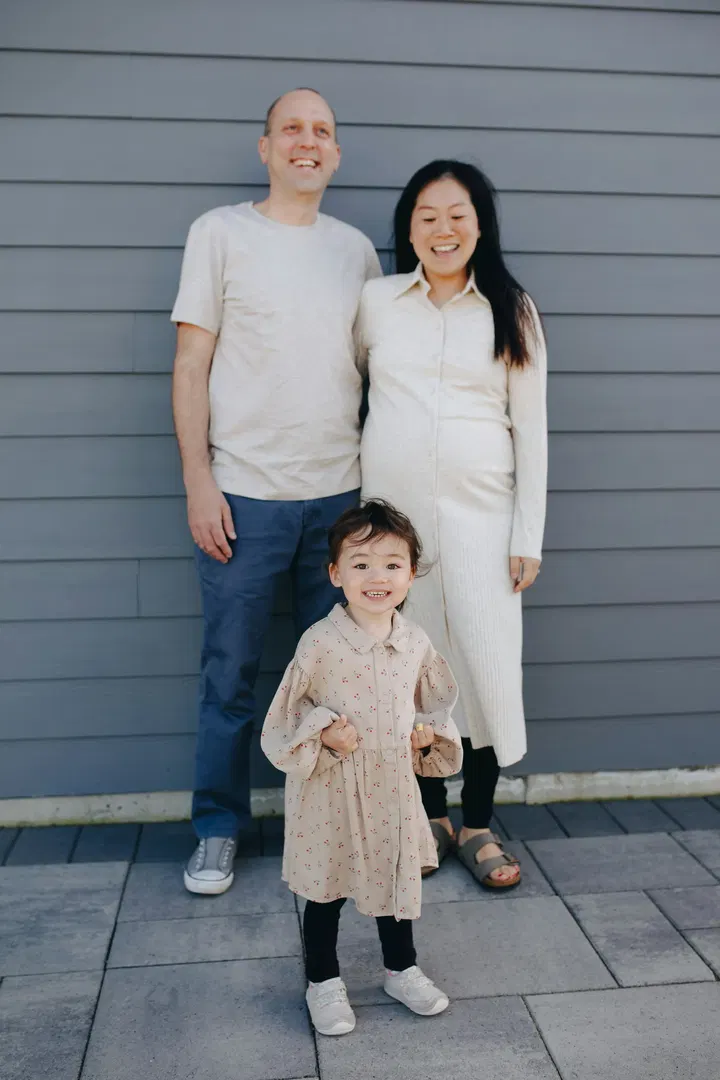
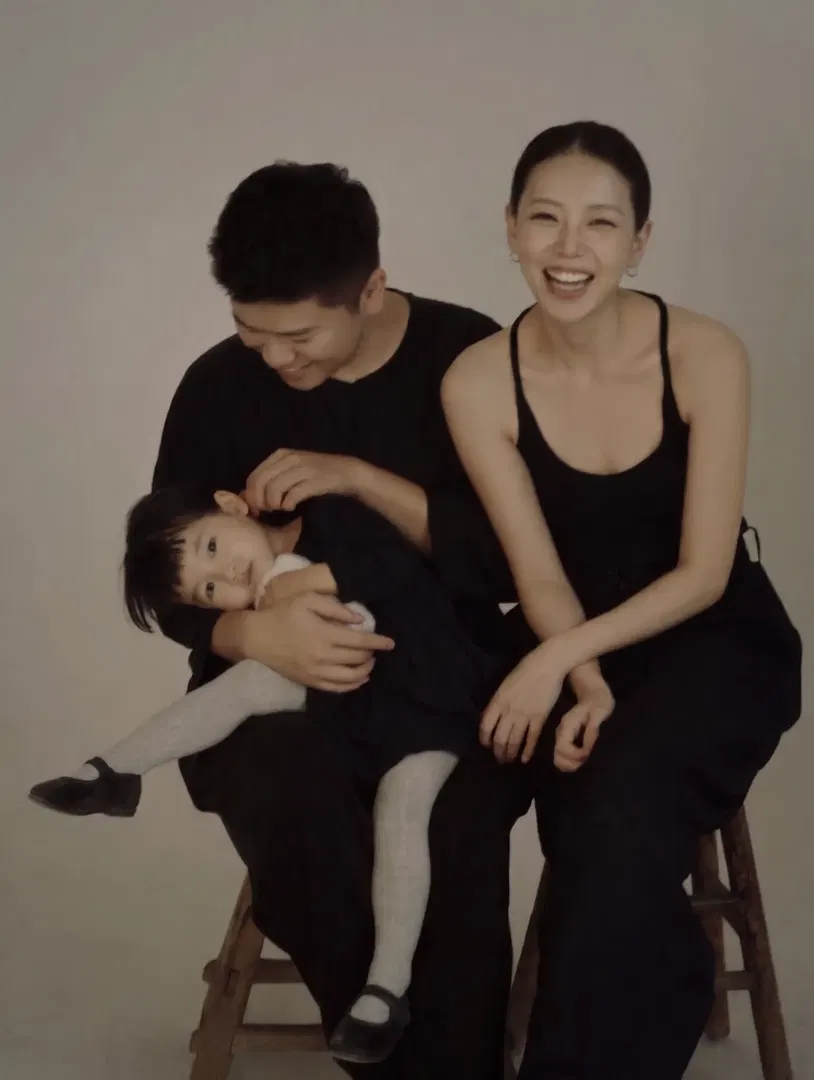
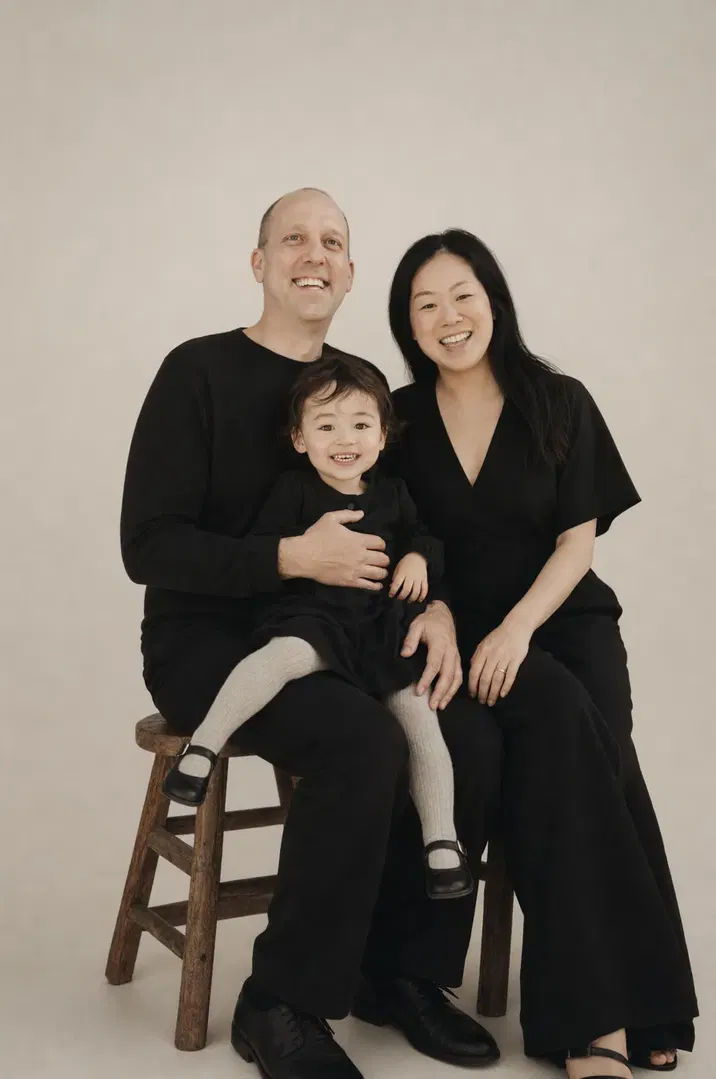
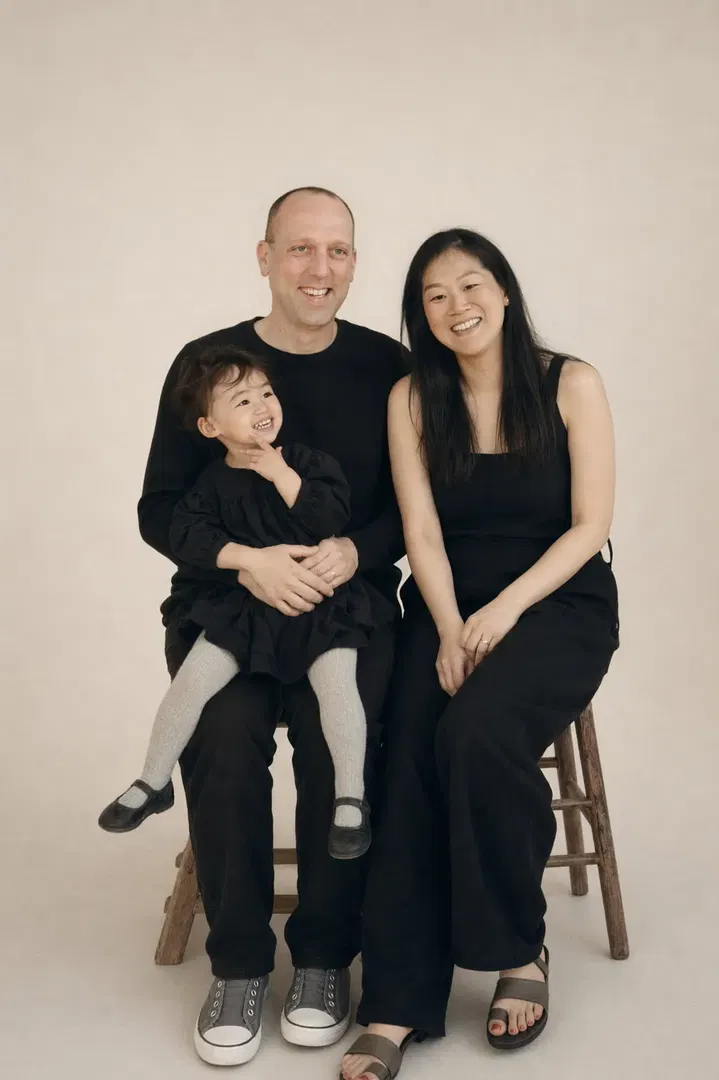



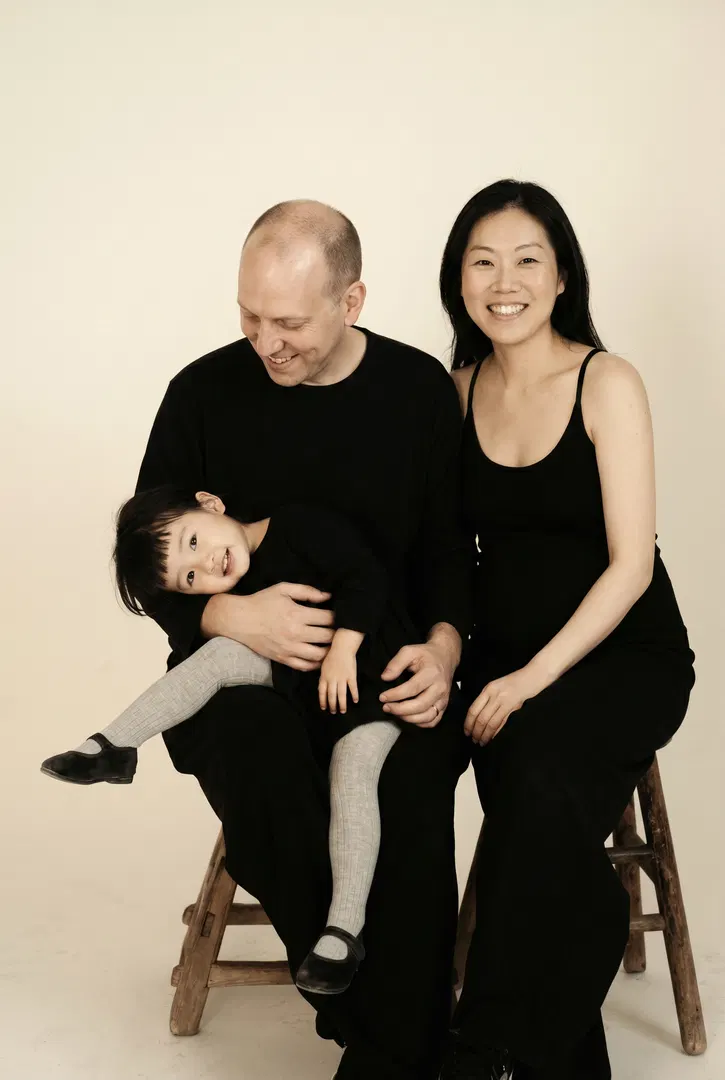
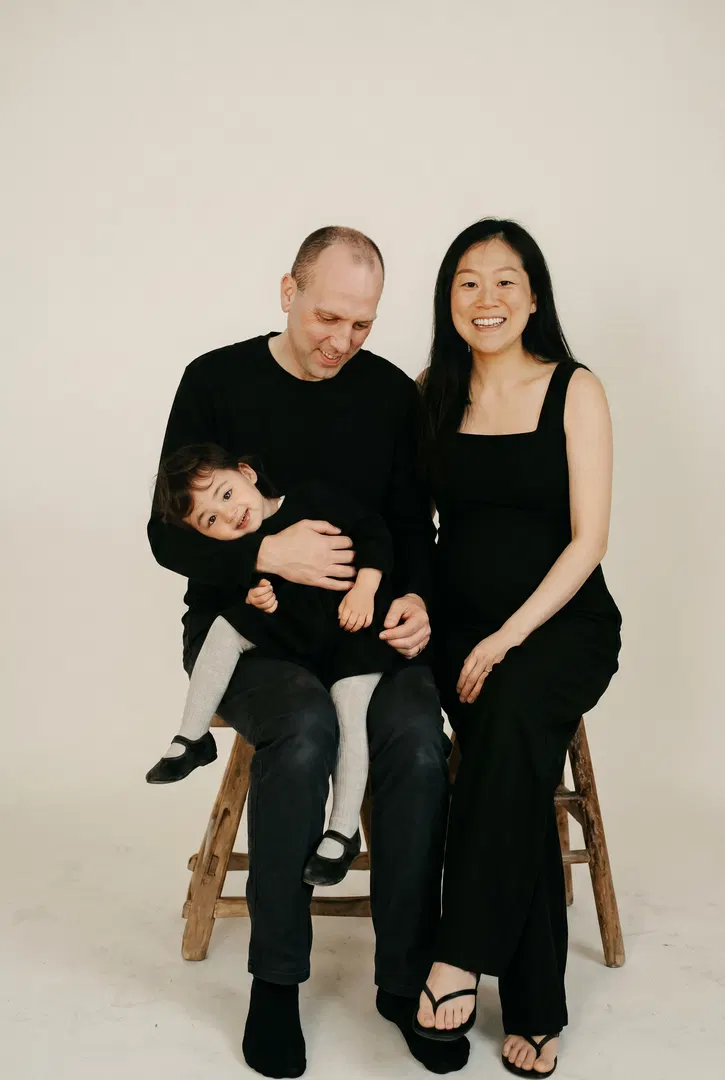
Fig 4. Same input, same reference style, across two base models (GPT Image 2, Nano Banana 2). The Subject Identity column on the far right shows the three real people in the photo, so you can judge each result. Each base model on its own fails on identity for at least one subject. With the Phota identity layer, every subject stays accurate.
Measuring the identity layer.
The qualitative examples above are easy to read once you know the subjects. To back them up with numbers, we run two complementary checks.
The first is a side-by-side A/B: real users see two outputs from the same prompt — one from the bare base model, one with the Phota identity layer — and pick which one looks more like them. This is the most direct measure of “does it feel like me” — the judgment only someone who knows the subject can make.
The second uses ArcFace, a widely-used face recognition model that turns each face into an embedding vector — closer vectors mean the two faces are more likely the same person. We compare each generated output’s embedding against that of a reference photo from the subject’s profile.
Face embeddings are a useful but an incomplete proxy for identity. ArcFace compresses a face to a few hundred numbers — enough to tell most faces apart in a dataset, but it misses the fine cues we pick up on someone we know well.
Numbers point in the right direction. Identity is judged by the people who know the subject — the honest test is trying it on photos of yourself and the people you know well, in Phota Studio.
Why build with Phota API.
What you get
- Identity preservation on every frontier base model — closed-source APIs (GPT Image 2, Nano Banana 2) and open-weights (Qwen-Image-Edit, Flux 2 Dev). One profile works across all of them — replacing per-model LoRA training on open-weights, and adding identity to closed-source where LoRA can’t apply.
- Character consistency — the same profile produces the same person across every generation. Storyboards, campaigns, series, video frames.
- Multi-subject by default — partners, kids, pets, friend groups. Every referenced subject stays recognizable in the same frame.
- Passthrough pricing on base-model inference — no markup when you’re not using identity; small per-subject fee only on personalized calls.
The nice thing about building it this way: Phota is a viable image-model gateway even on calls where you aren’t using identity preservation.
Get started.
Available today: GPT Image 2, Nano Banana 2, Qwen-Image-Edit, Flux 2 Dev. Profile creation, per-request model selection, and passthrough pricing are live as of this post.
Next up on the roadmap: context — the factual and narrative layer of what’s happening in your life — and preference — your personal taste. The next two layers of personal knowledge. More soon.