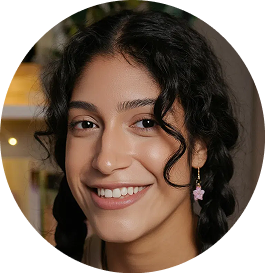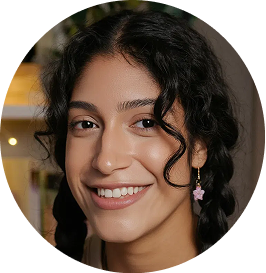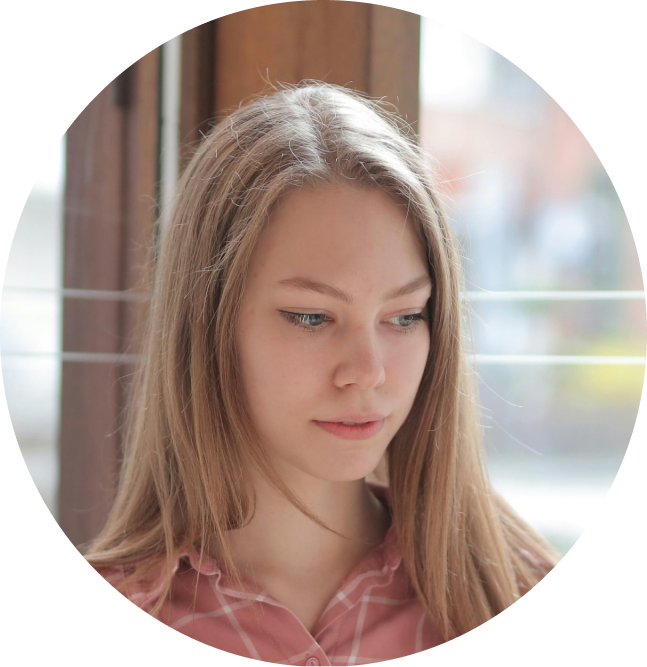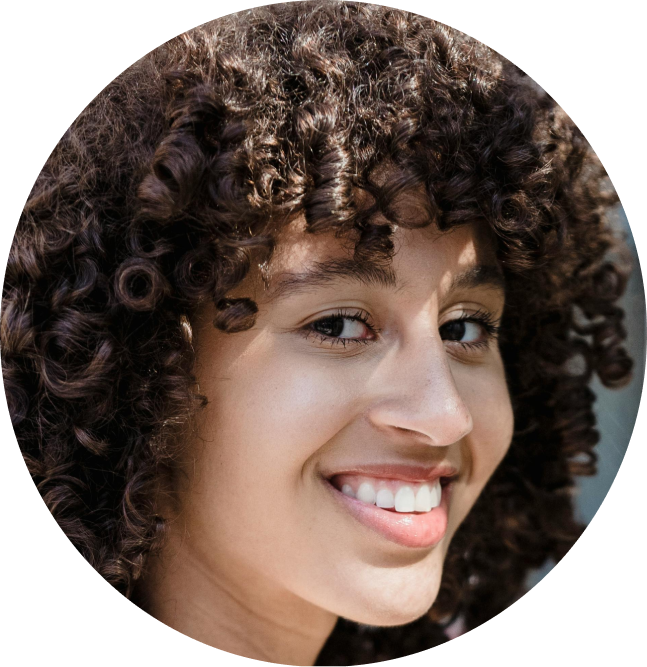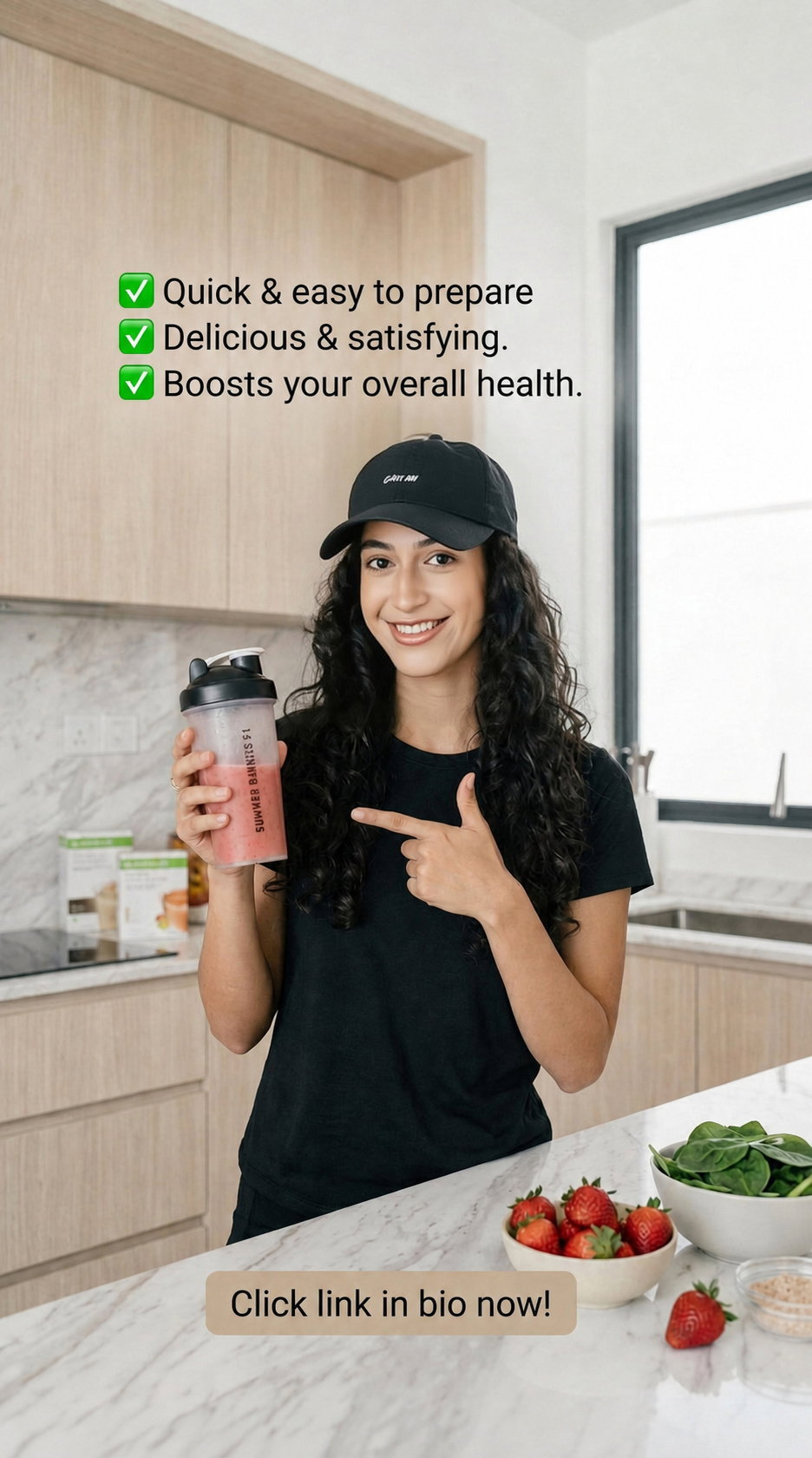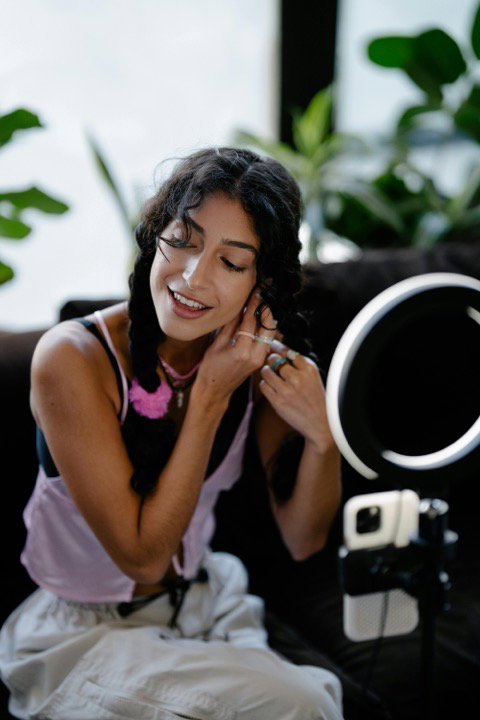
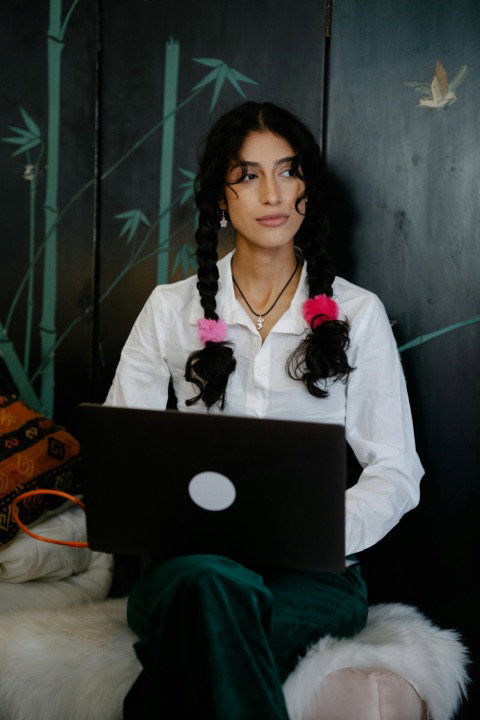
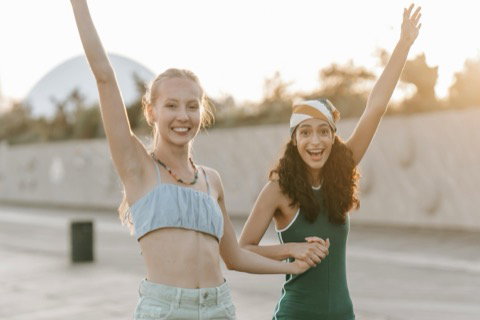
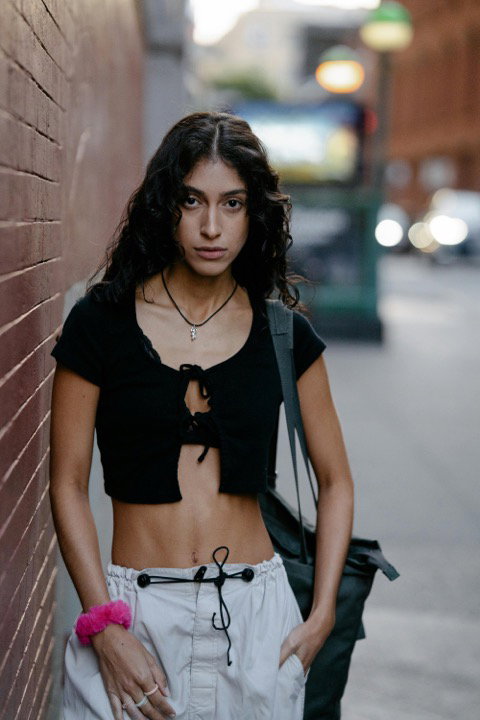
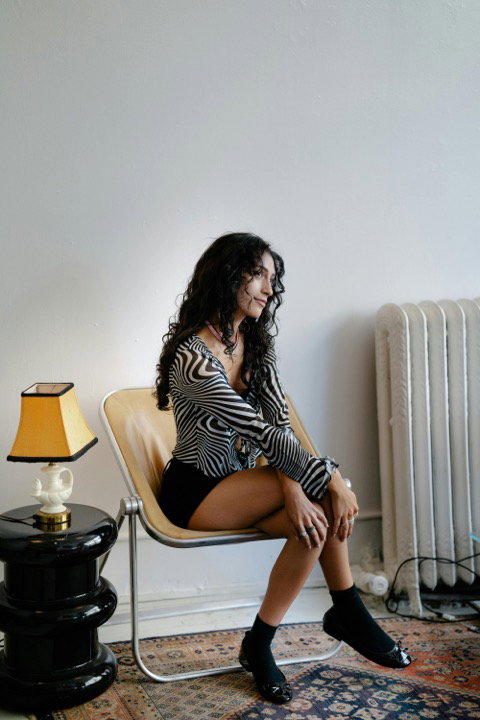
Headshots and portraits that are actually you.

Train a persistent likeness model once, then generate studio-grade portraits in any style — solo, with family, as a full set, or remixed from a reference. On your schedule, in any style, and unmistakably you.

In three steps

Train once, then create unlimited content.

1 A few casual photos
@tiana 2 Train your likeness model
3 Prompt any workflow below
Workflows

What people build with it.

01 / 04

Professional headshots

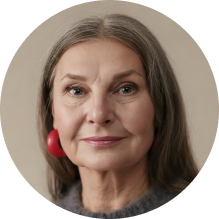
Studio lighting, clean backdrops, editorial mood — describe the look in a prompt and get polished portraits that are unmistakably you.

Create a professional headshot of @tiana in soft studio light
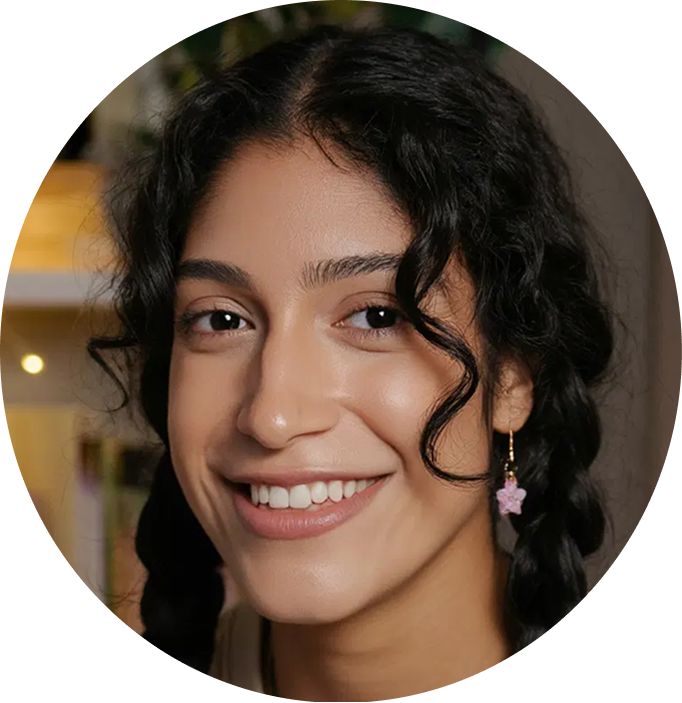
AI-generated professional headshot of TianaAI-generated professional headshotAI-generated professional headshotAI-generated pet portrait
02 / 04

Style Me

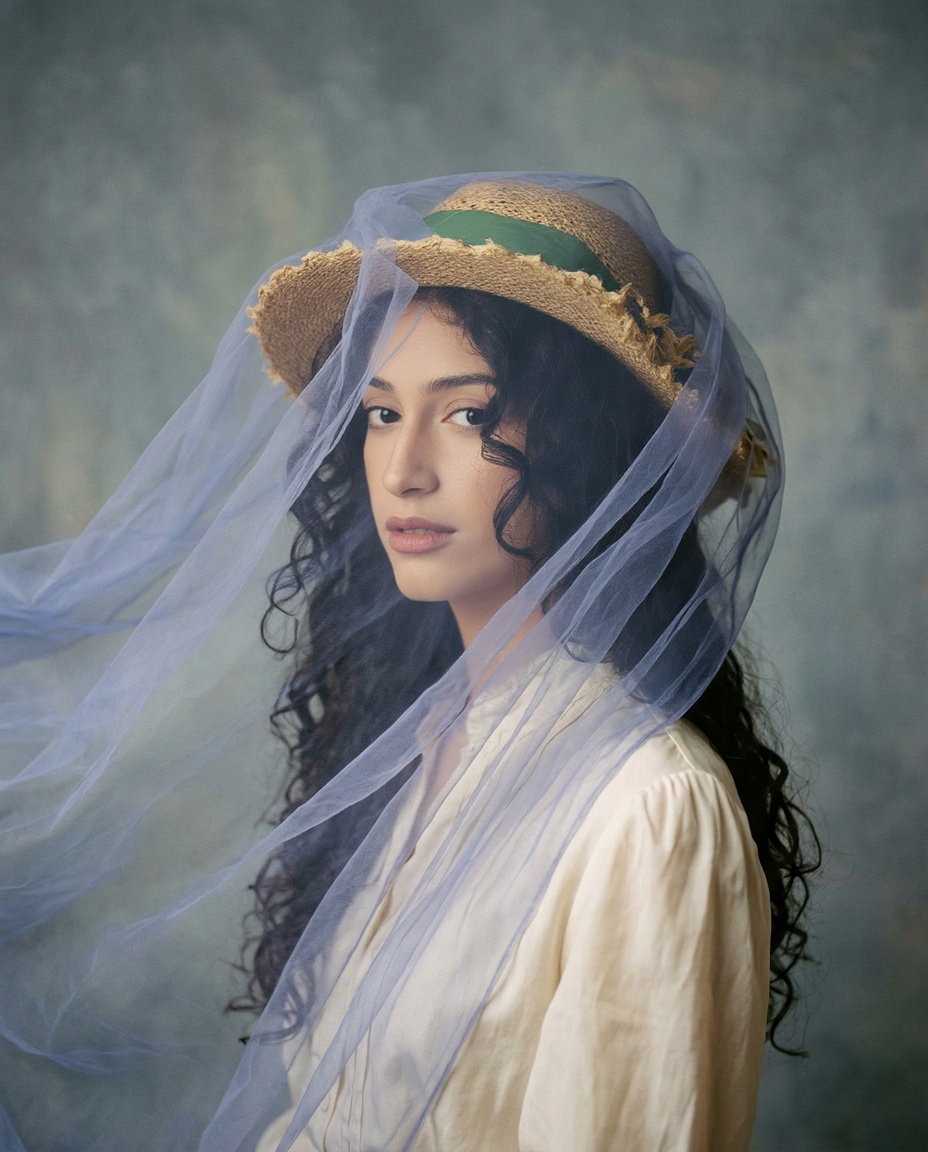
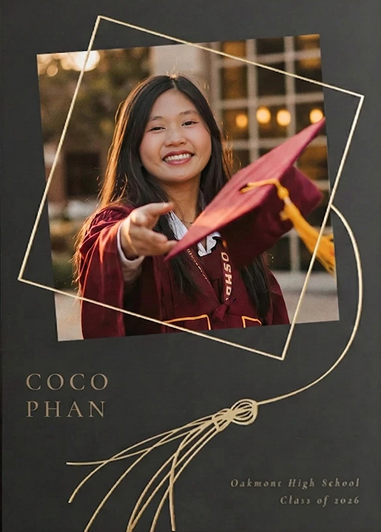
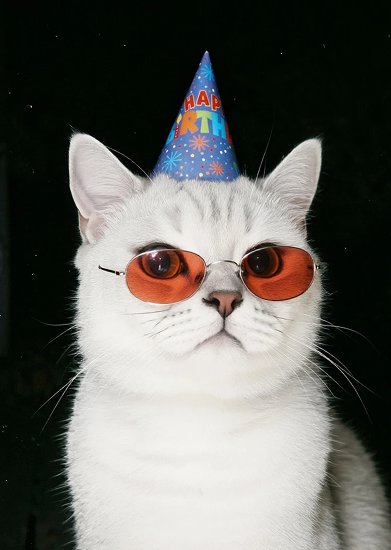
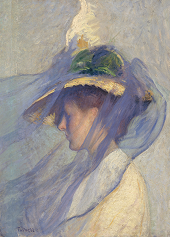
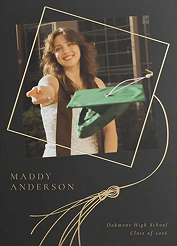
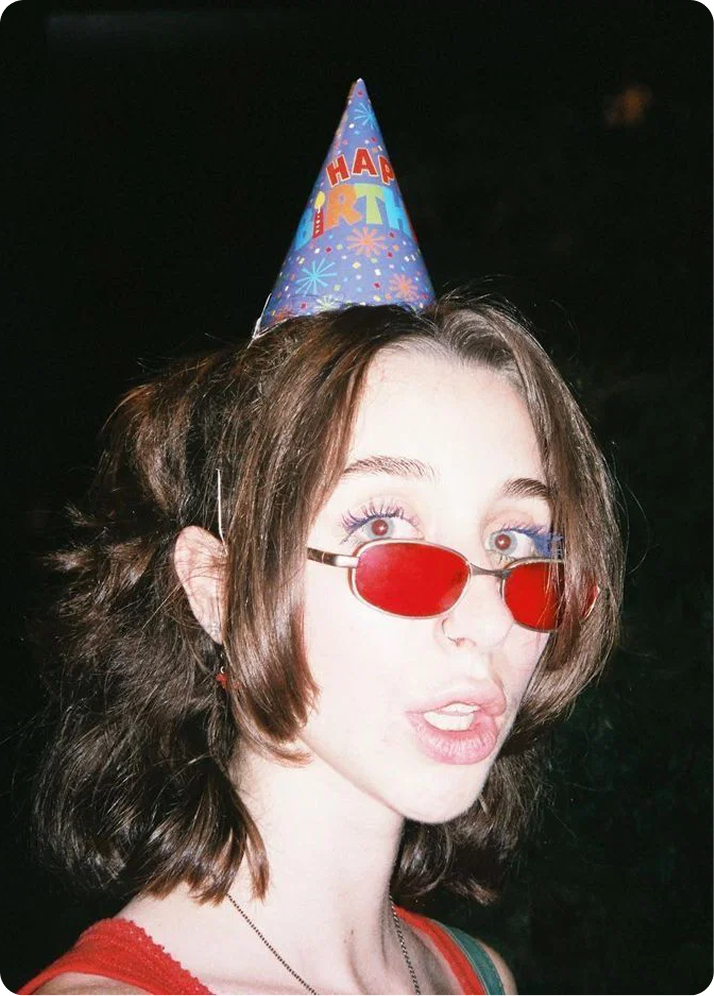
Love a portrait you saw? Drop it in as a reference, add a prompt if you like, and get the same shot rendered as you — that's Style Me in the app, the /remix endpoint in the API.

Showing Fine art
Style @tiana
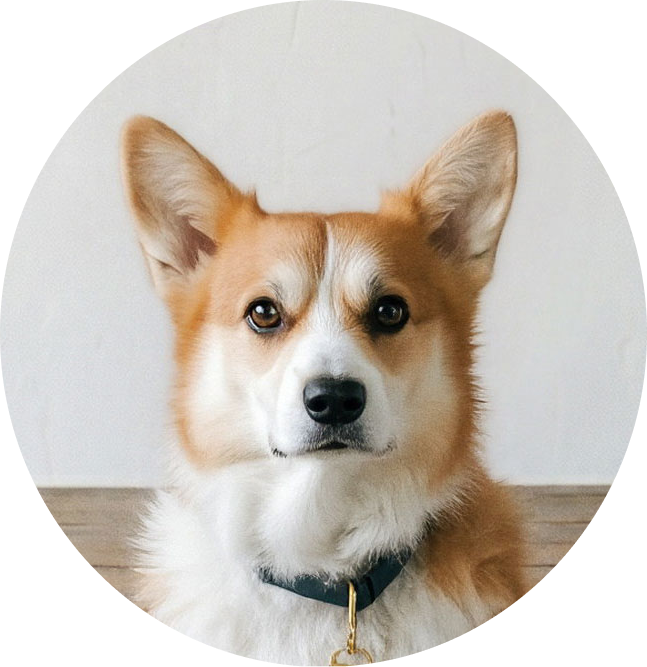
Tiana remixed into a photoreal fine-art portraitCoco remixed onto a graduation trading cardA cat remixed into a birthday-party portrait Reference Painterly portrait style reference Reference Graduation trading-card style reference Reference Party-hat pet style reference
03 / 04

Family & group portraits

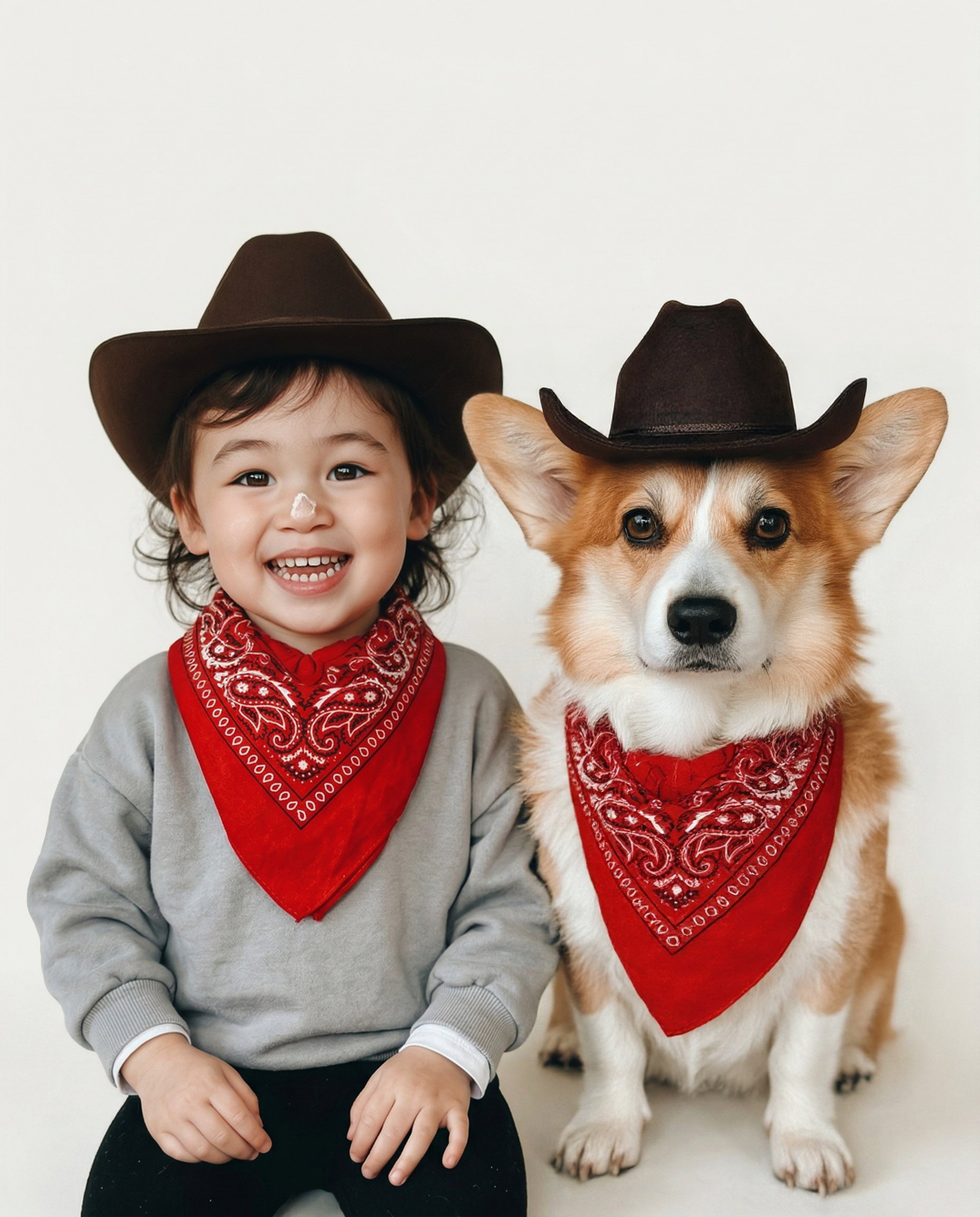
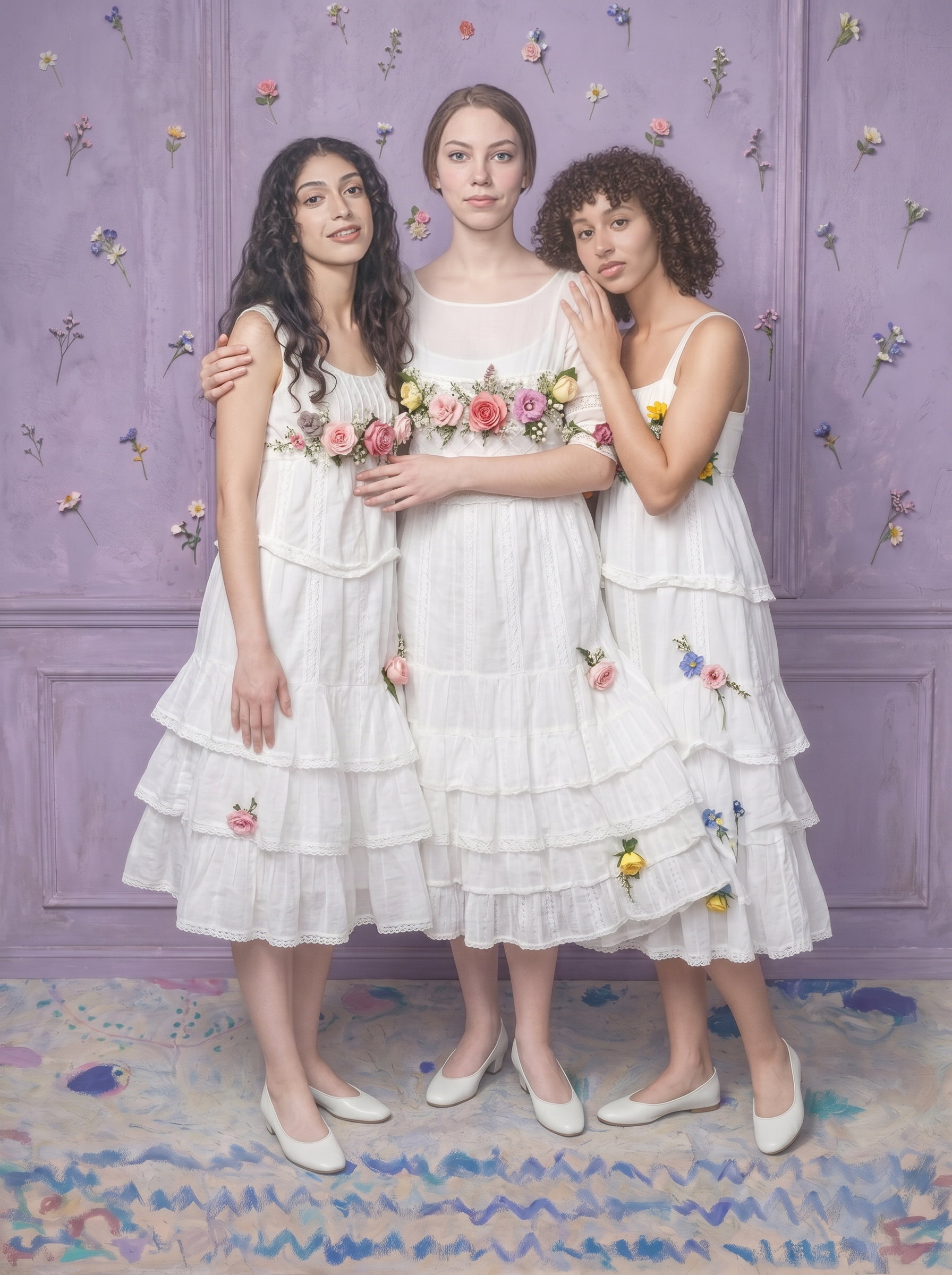
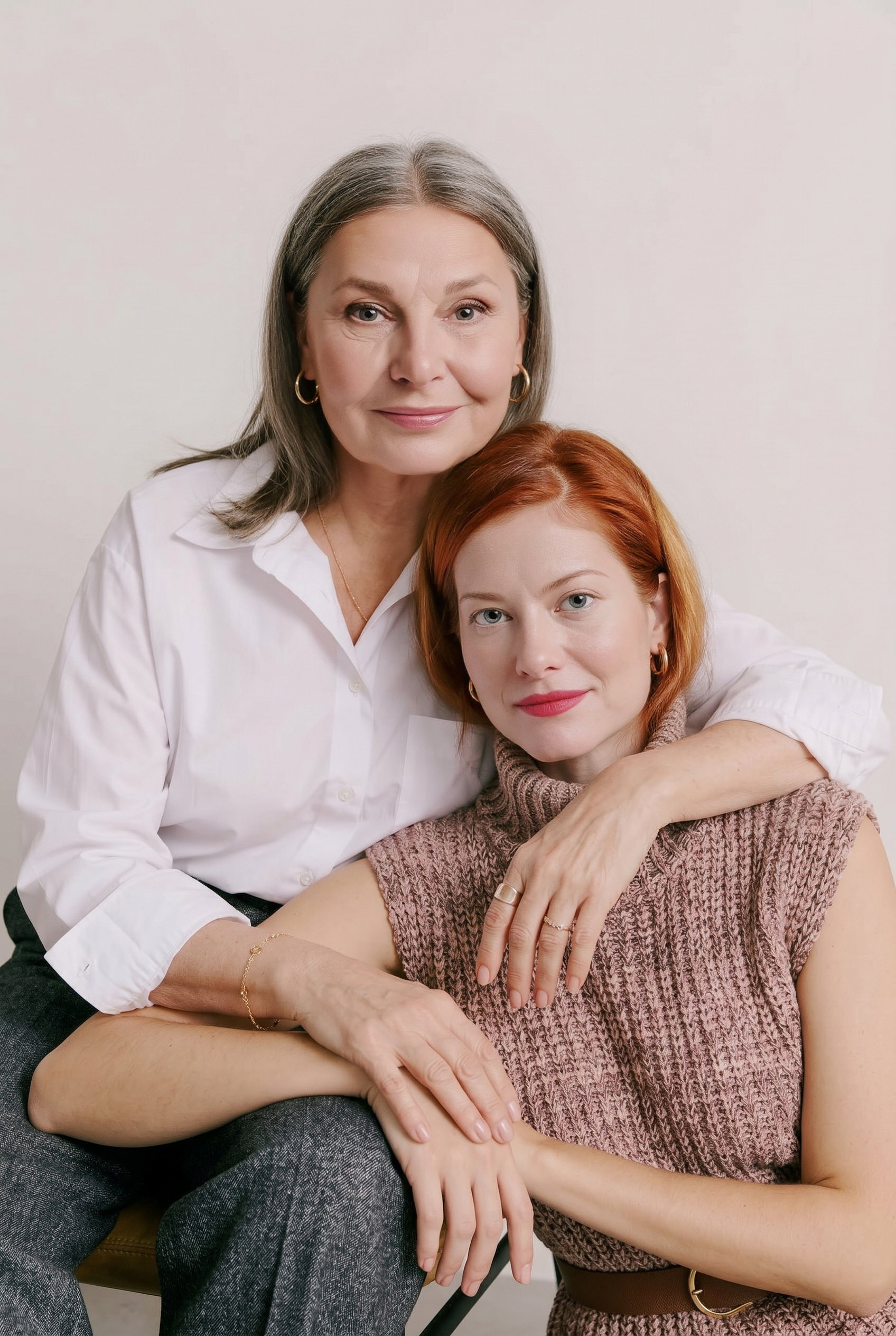
Everyone in one frame, each person their real self. Multi-subject portraits that keep every likeness intact — no melted faces, no strangers.

Showing Kid & pet
Create a group portrait of Child likeness inputDog likeness input First subject likeness inputSecond subject likeness inputThird subject likeness input First subject likeness inputSecond subject likeness input as matching cowboys in felt hats and red bandanas, clean studio backdrop
AI-generated portrait of a child and their dogAI-generated group portrait of three friendsAI-generated portrait of a mother and daughter
04 / 04

Photo sets

A themed collection built one prompt at a time — each look, outfit, and scene generated on its own, with a consistent you across every frame.

Create a portrait of @tiana in an off-shoulder tulle bow gown with pearl drop earrings, soft window light
How it works

From your photos to finished results.

  1. Upload everyday photos

    As few as 5 photos work; around 30 gives the best quality — casual selfies, group shots, and old favorites all count. No special setup needed.

  2. Train your likeness model

    Phota builds a private model that captures how you actually look — not a lookalike average.

  3. Generate from a prompt

    Describe the look — studio, editorial, outdoor, a full set — and generate portraits from text, solo or with family.

  4. Or Style Me from a reference

    Bring a portrait you like as a reference image, add optional text, and Style Me renders that exact shot as you.

  5. Download in high resolution

    Export print-ready files for LinkedIn, team pages, press kits, and anywhere else you show up.

Why Phota

How it's better.

Actually looks like you

The usual way

Generic AI headshot tools average you into a polished lookalike — close, but noticeably off.

With Phota

A likeness model trained on your photos keeps your real features, skin tone, and expressions in every set.

One model, every style

The usual way

Each new look means another shoot or another single-purpose tool.

With Phota

Train once — studio, editorial, corporate, and outdoor sets all come from the same model.

FAQ

Common questions

How many photos do I need for AI headshots?

As few as 5 everyday photos with your face clearly visible, though around 30 gives the best quality. Variety helps — different angles, lighting, and expressions give the model a fuller picture of how you look.

Will the headshots actually look like me?

Yes — that's the core of what Phota builds. Instead of prompting a generic model with your name, we train a persistent likeness model on your photos, so results preserve your real features, skin tone, and expressions across every style.

Can I use AI headshots on LinkedIn and company websites?

Absolutely. You own the images you generate and can use them on LinkedIn, team pages, speaker profiles, press kits, and anywhere else a professional photo is needed.

How long does it take to get my headshots?

Training your likeness model takes 1–3 minutes depending on the number of images you provided, and each headshot generates in seconds after that.

How do I generate a group shot with multiple people?

Build a personal likeness model for each subject — people and pets — then tag them together in a single prompt. Phota places everyone in the same frame while keeping each likeness intact.

Can my whole team get consistent headshots?

Yes. Each teammate trains their own likeness model, then you apply the same style to everyone one of two ways: use Style Me (the /remix endpoint) with the same reference image, or reuse the same prompt block that describes the style in text. Either keeps lighting, background, and framing uniform across the team — no coordinated photo day required. For larger rollouts, contact us about team and enterprise plans.