Edit anything. Stay yourself.

Fix, sharpen, and transform the photos you already have, while a trained likeness model keeps every person and pet exactly themselves.

Two ways to edit

What people build with it.

01 / 03

Individual editing

Train a model of one person, then make any edit — every change stays anchored to their real likeness. [Placeholder before/afters — swap in real capability edits.]
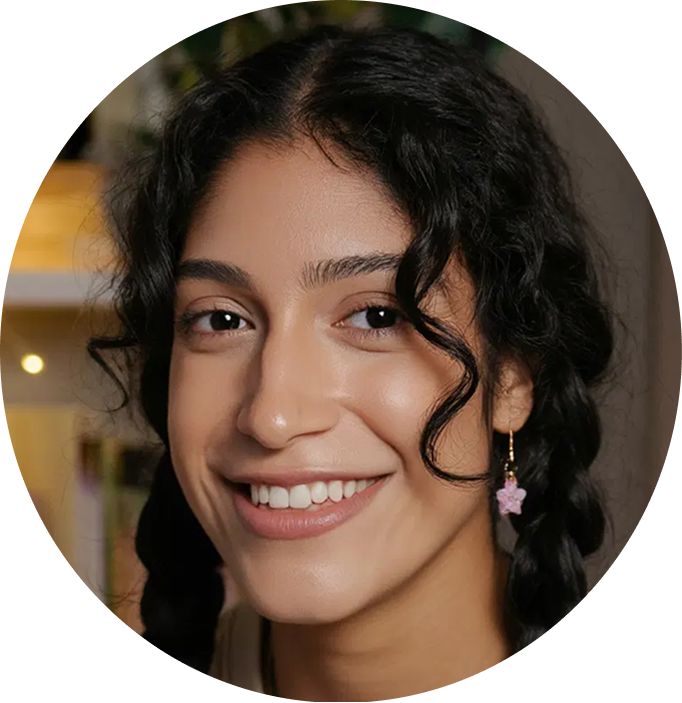
@tiana trained model
Before Placeholder before image for professionalizing
After Placeholder professional-looking image

Prompt Make it look professional.

Why identity Retouching and relighting drift features quickly, so the model is what holds who they are while the polish changes.
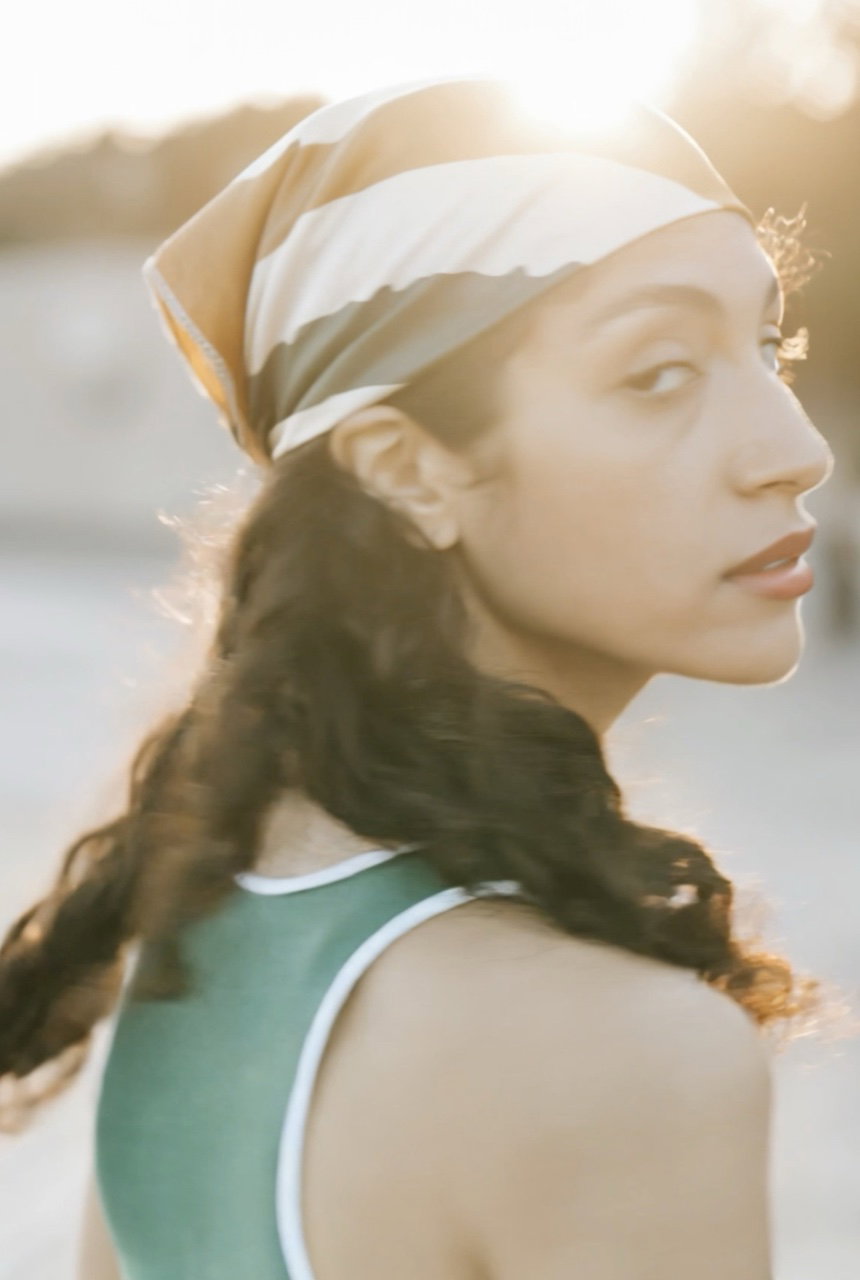
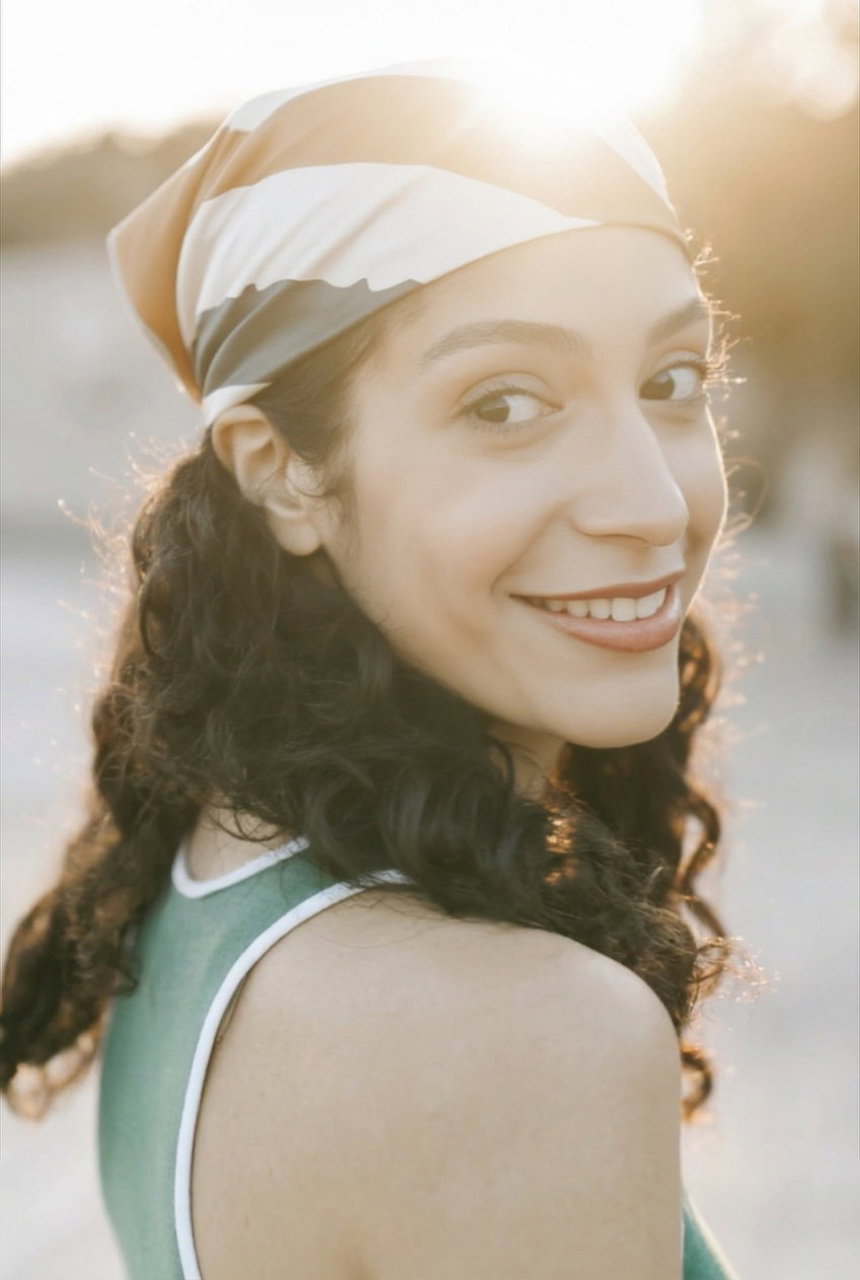
Before Woman looking away with a neutral expression
After The same woman turned to camera with a natural smile

Prompt Turn her to the camera with a smile.

Why identity Changing an expression reshapes the face, and only a trained model keeps it the same person in a better moment.
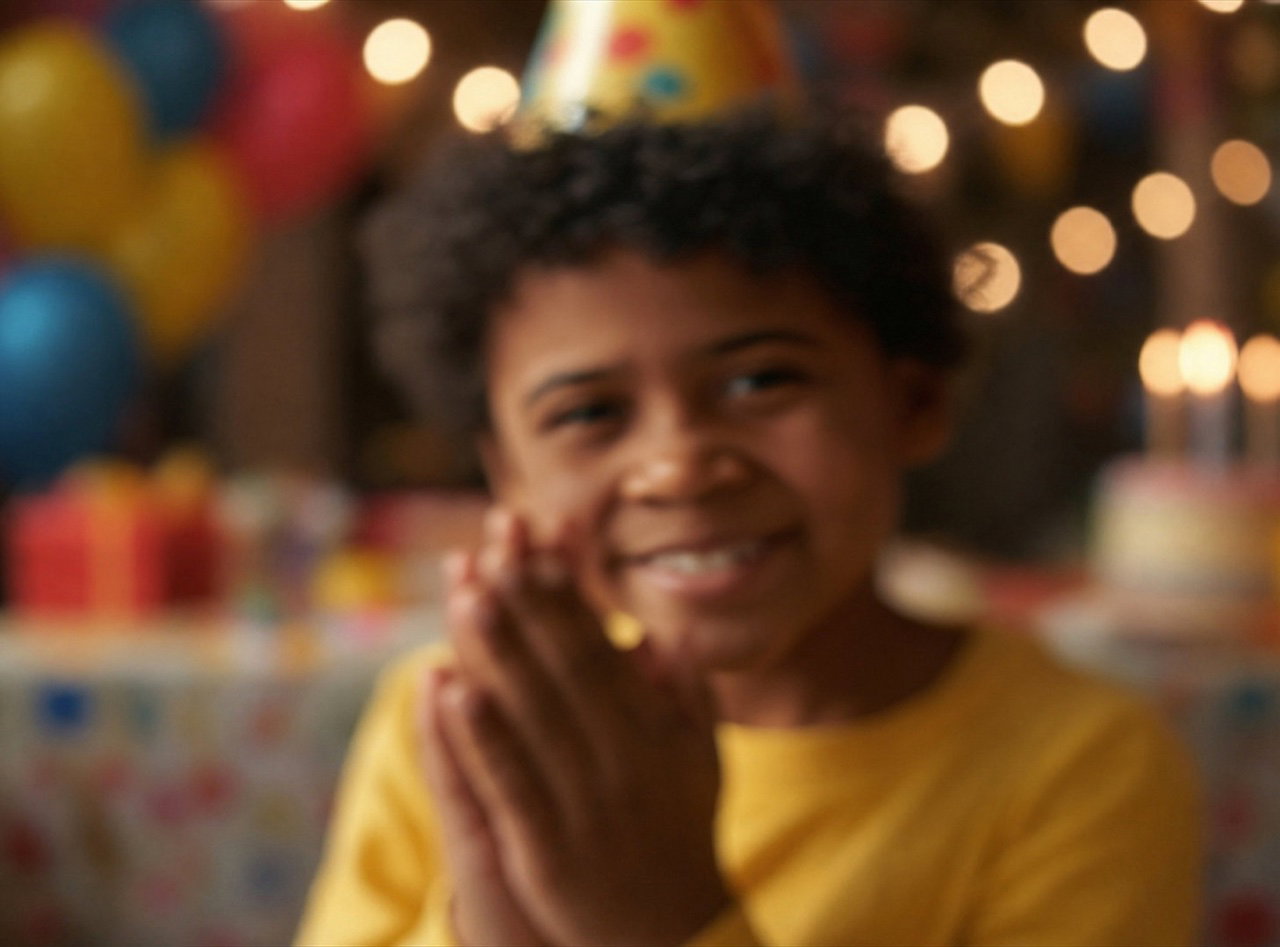
Before Blurry, soft birthday photo of a boy
After The same boy, sharp and clearly himself

Prompt Restore this photo.

Why identity The input is missing information about the person, so it takes a trained model to fill it back in as them and not someone else.
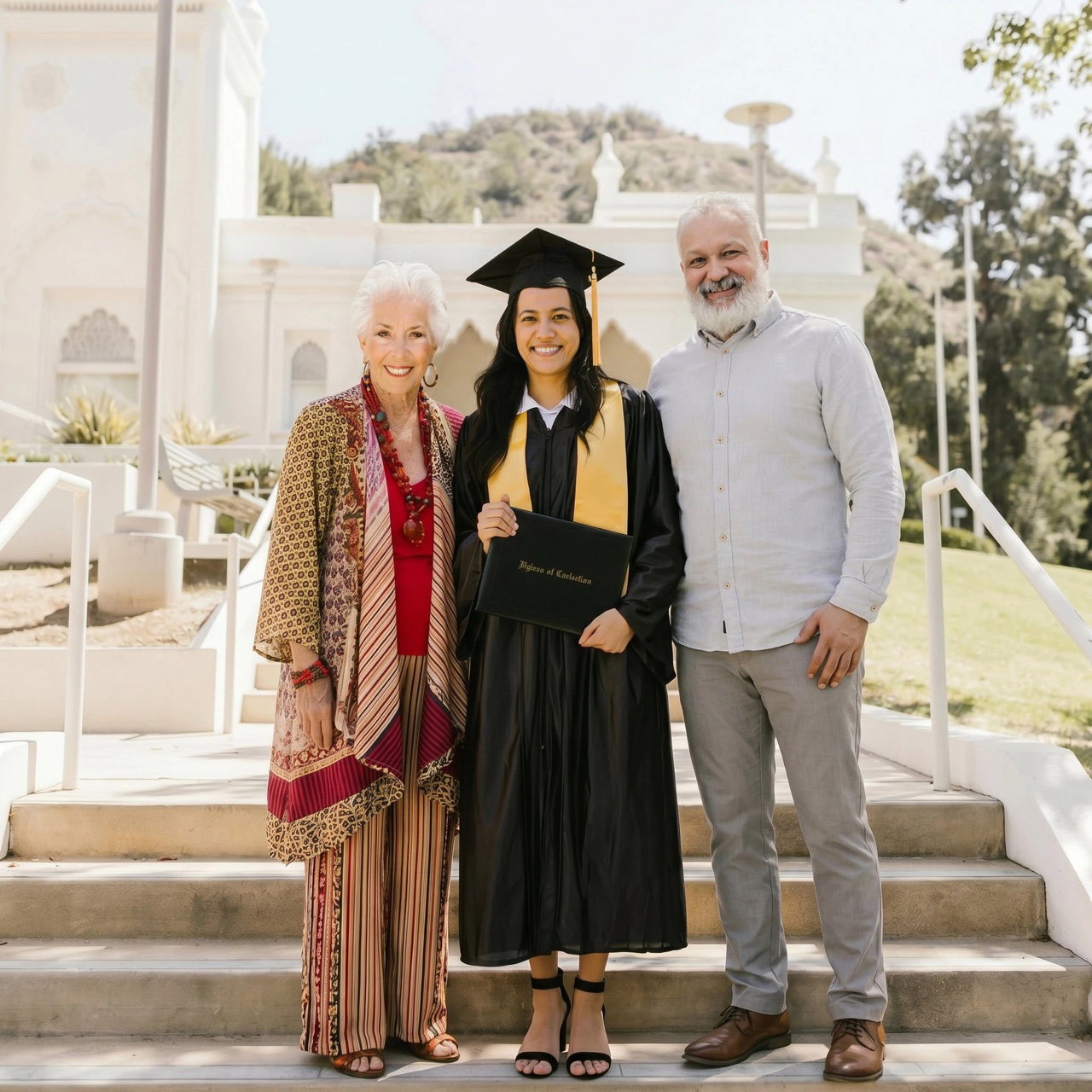
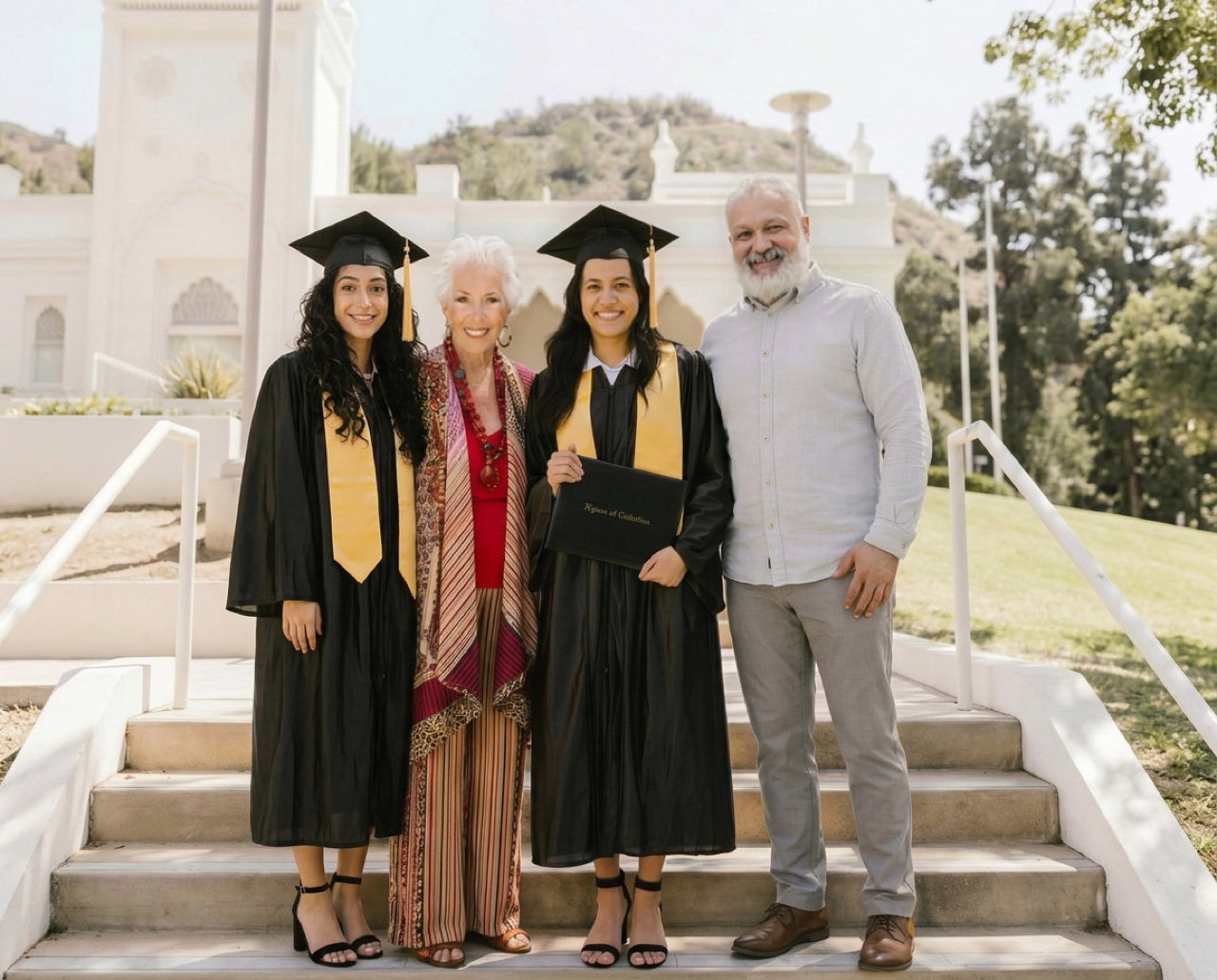
Before Graduation photo of three people on the steps
After The same photo with a fourth person added, consistent with the scene

Prompt Add her sister into the photo.

Why identity Adding a person means generating them, so it only works when their real likeness is already on file.
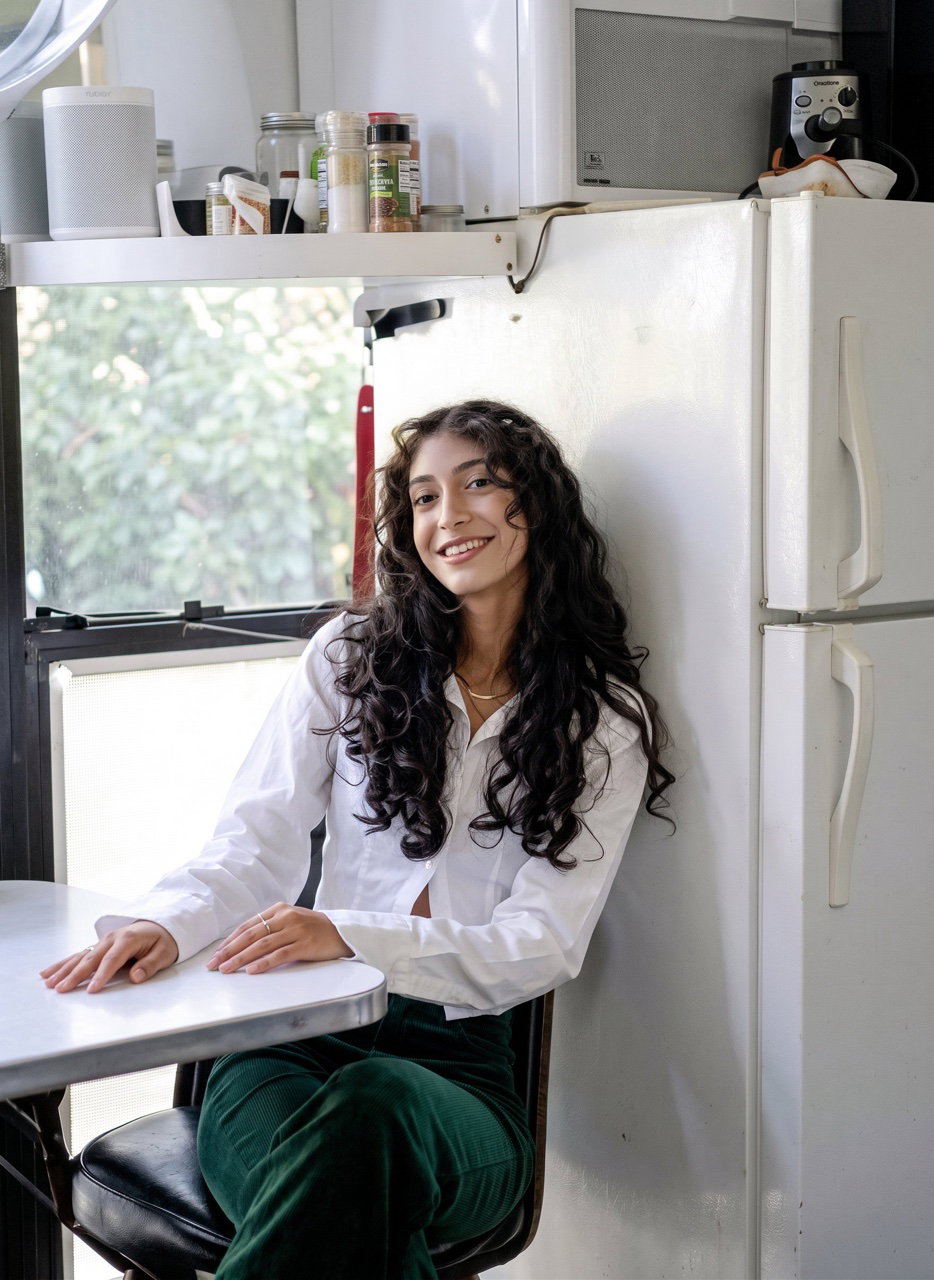
Before Tiny, low-resolution thumbnail of a person
After High-resolution photo of the same person

Prompt Upscale to high resolution.

Why identity At this resolution there's no way to tell who the person is, so the model recovers them instead of inventing a lookalike.
02 / 03

Iterative editing

Edit the same photo again and again — open the eyes, remove the glasses, make it a portrait, change the light — and the person never drifts into someone else.

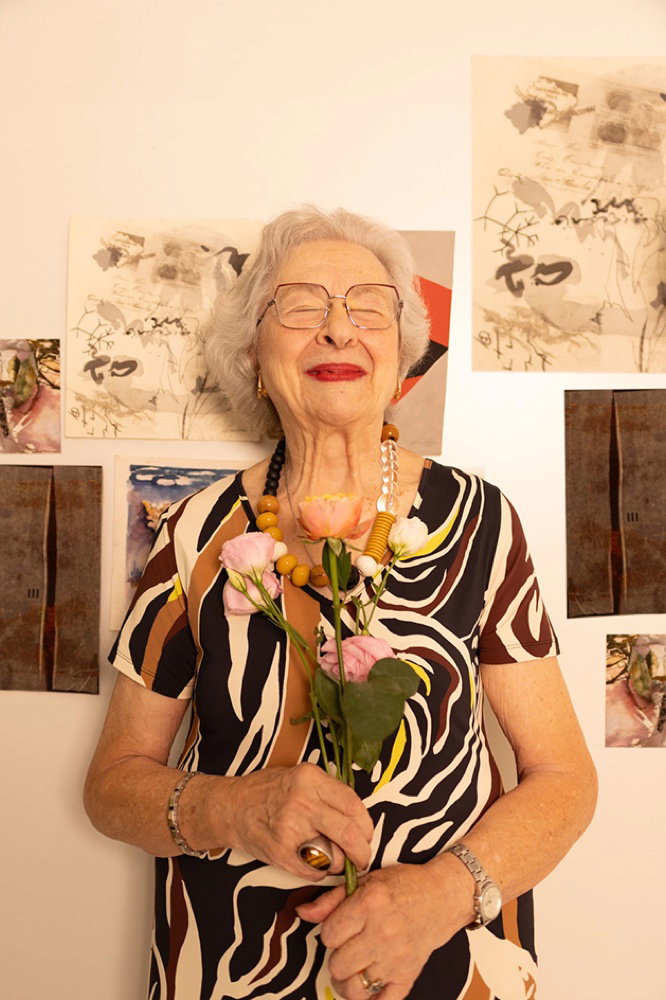
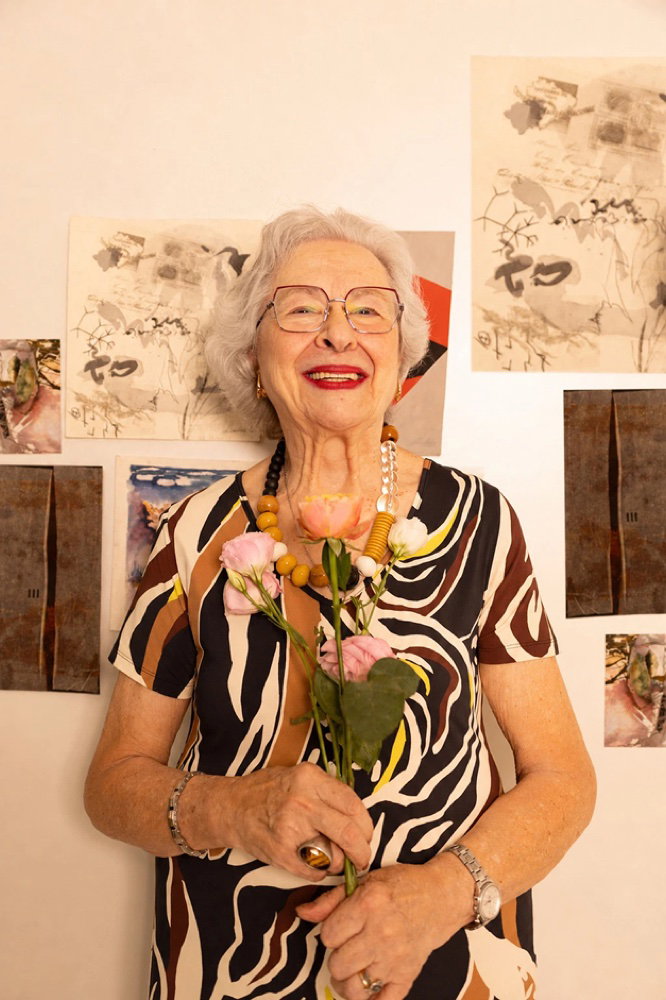
Original Original photo, eyes closed and wearing glasses
Open her eyes.
Edit 1 The same photo with her eyes open
Remove the glasses.
Edit 2 The same photo with the glasses removed
Make it a professional portrait.
Edit 3 The same person as a polished portrait
Change the lighting.
Edit 4 The same portrait with dramatic new lighting

4 edits later she's still unmistakably herself. The identity holds through every round.

03 / 03

Project-based editing

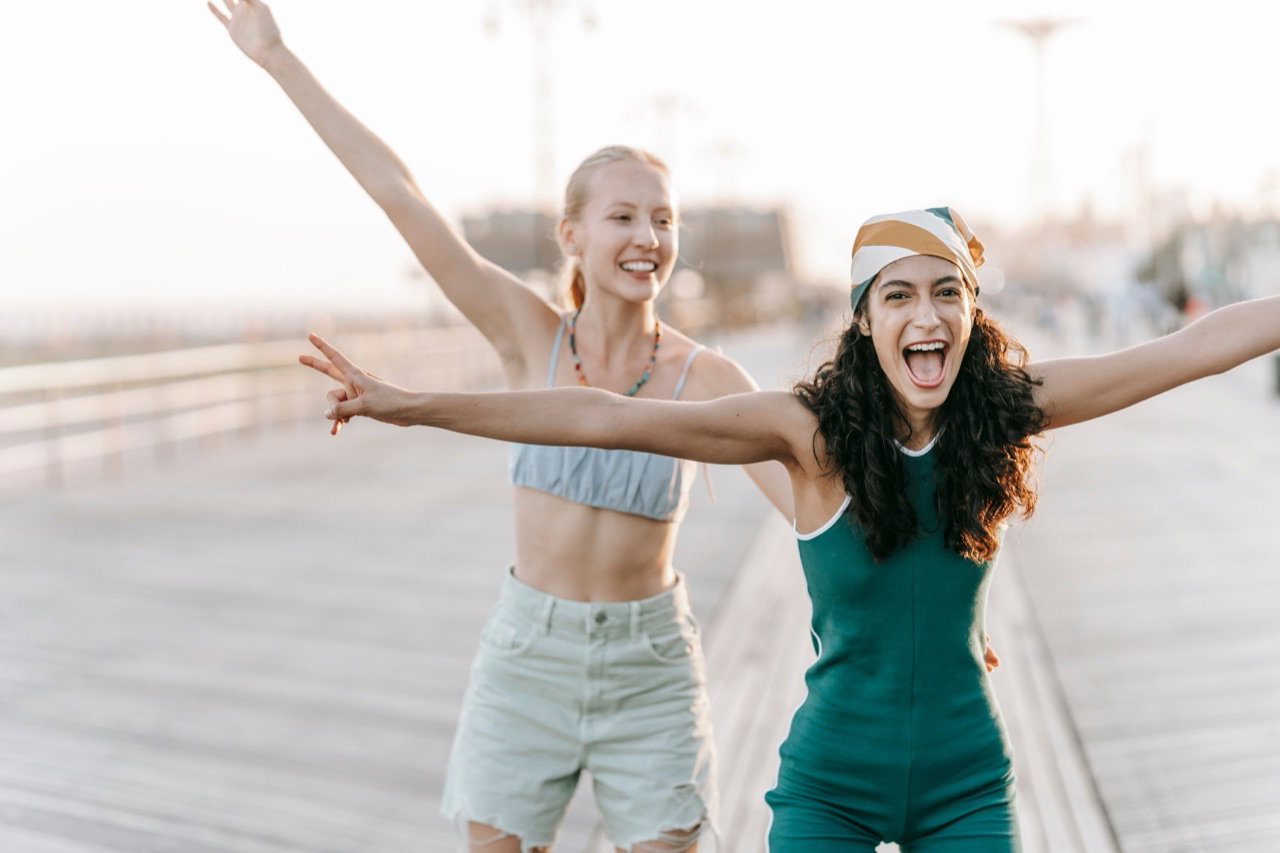
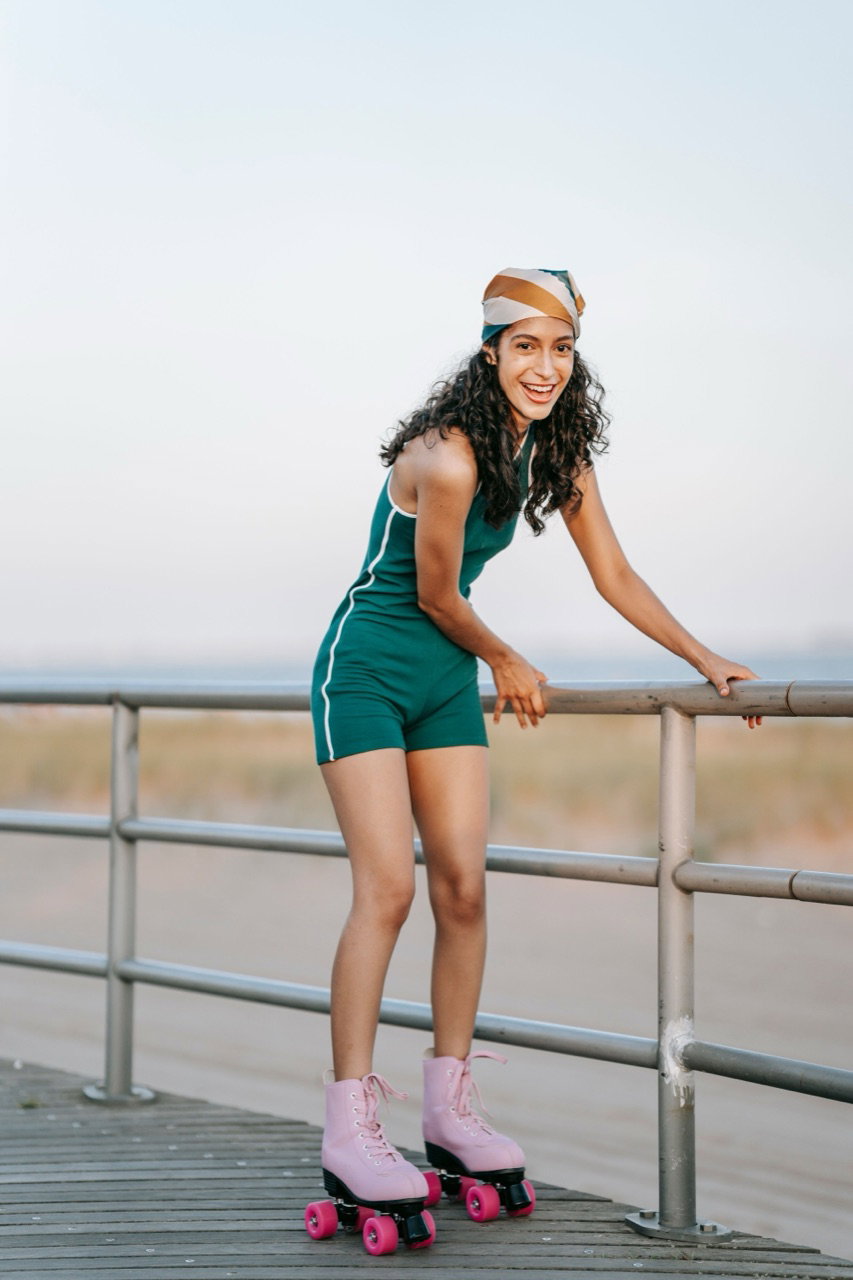
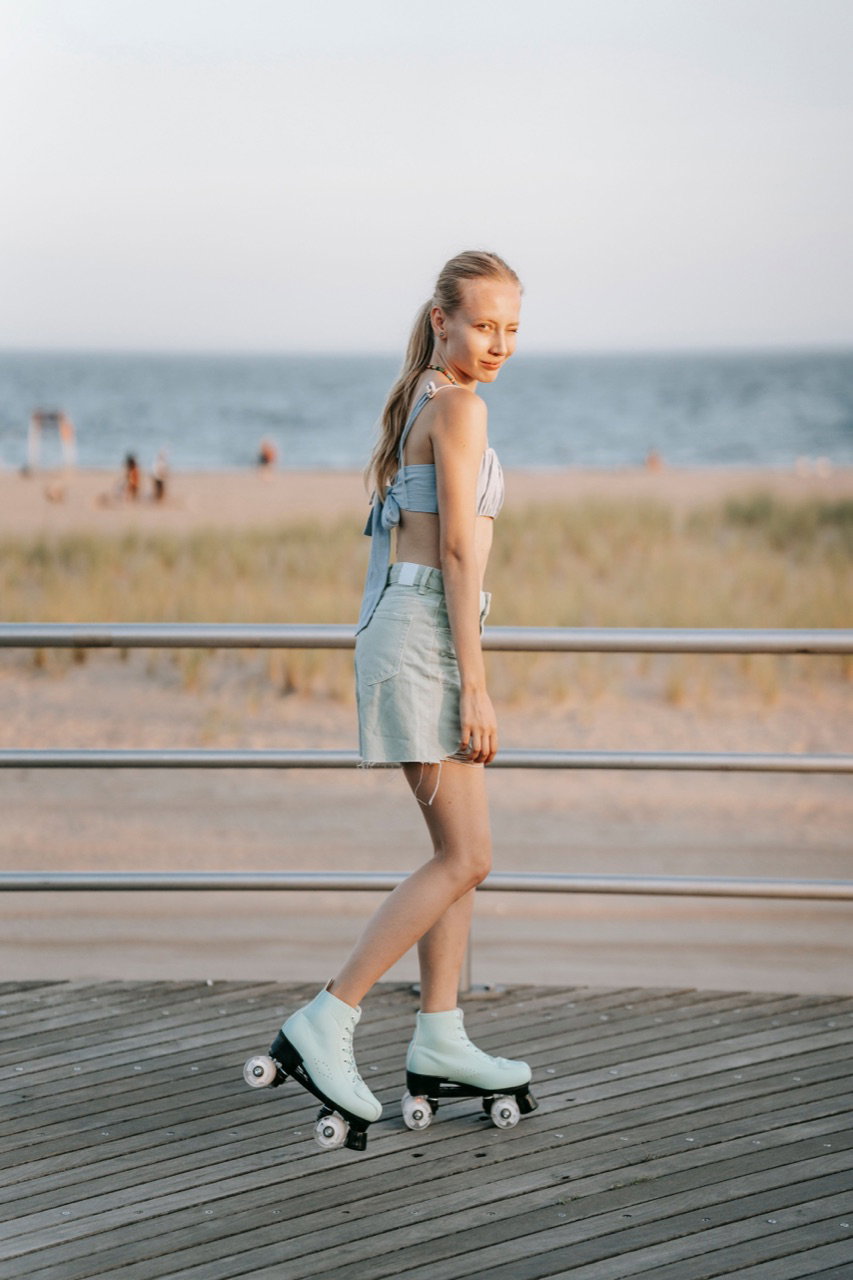
Point Phota at a whole shoot. It detects the people in it, trains a model of each, and reads the same wardrobe and location across every frame — so it can edit any shot using the rest as context.

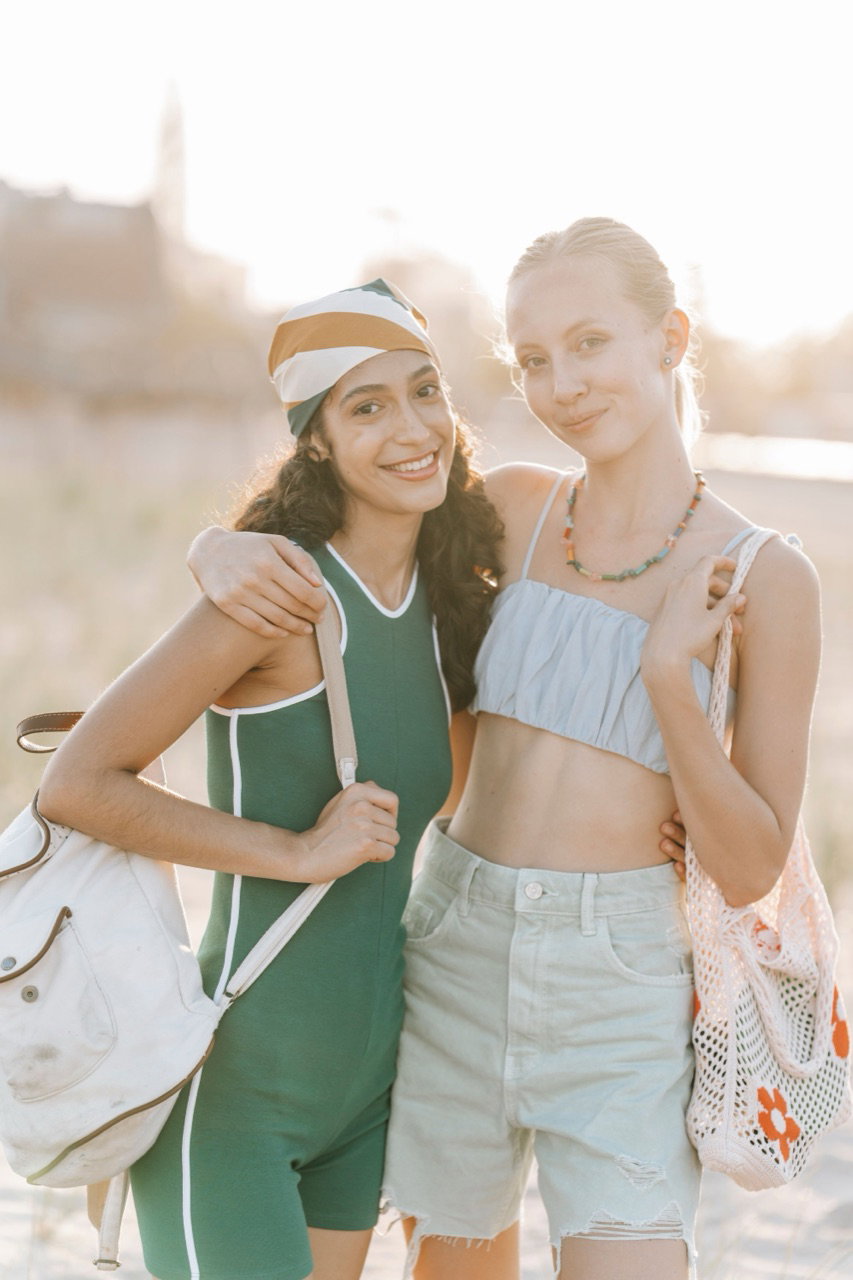
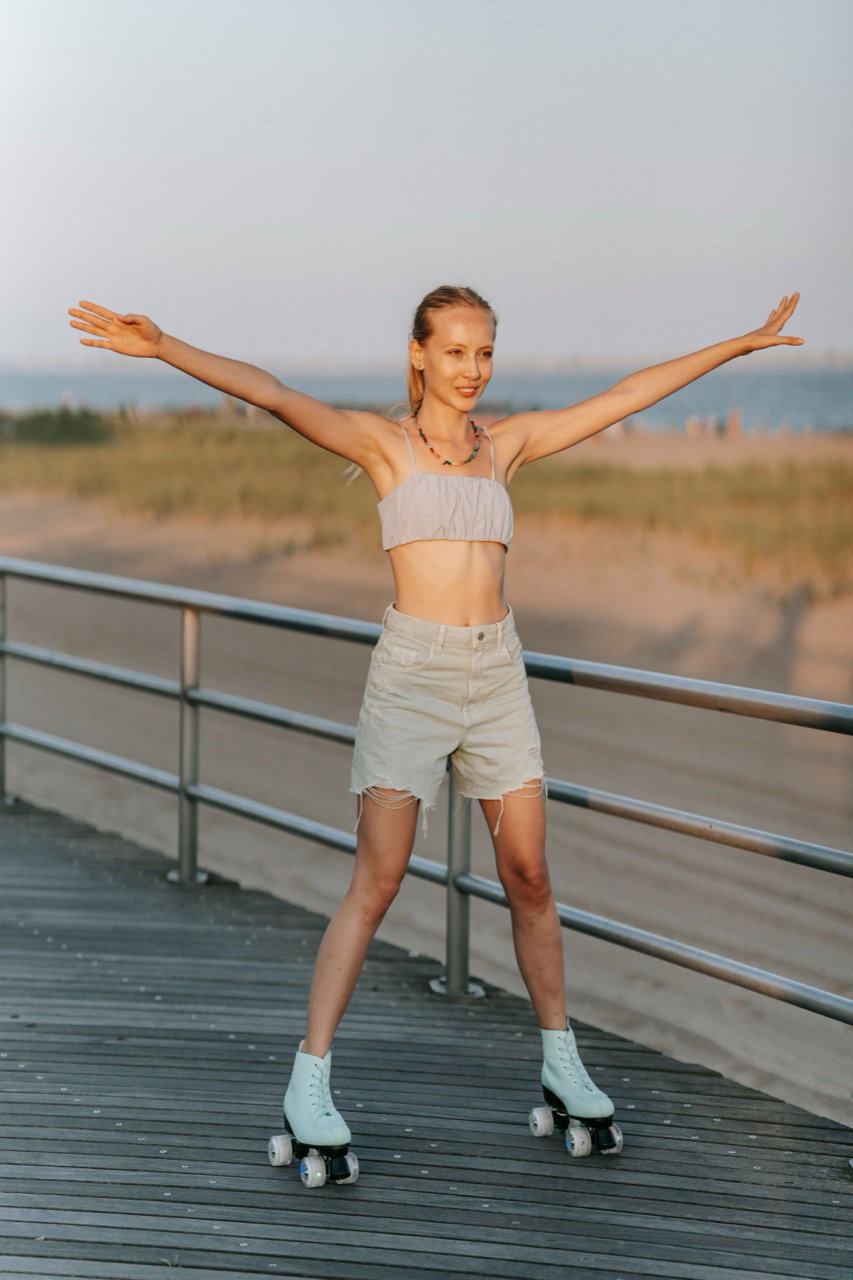
The shoot · 12 frames as context
Shoot frame
Shoot frame
Shoot frame
Shoot frame
Shoot frame
Shoot frame
Shoot frame
Shoot frame
Shoot frame
Shoot frame
Shoot frame
Shoot frame
Personal models, auto-created from the shoot
@tiana @clara
Recompose
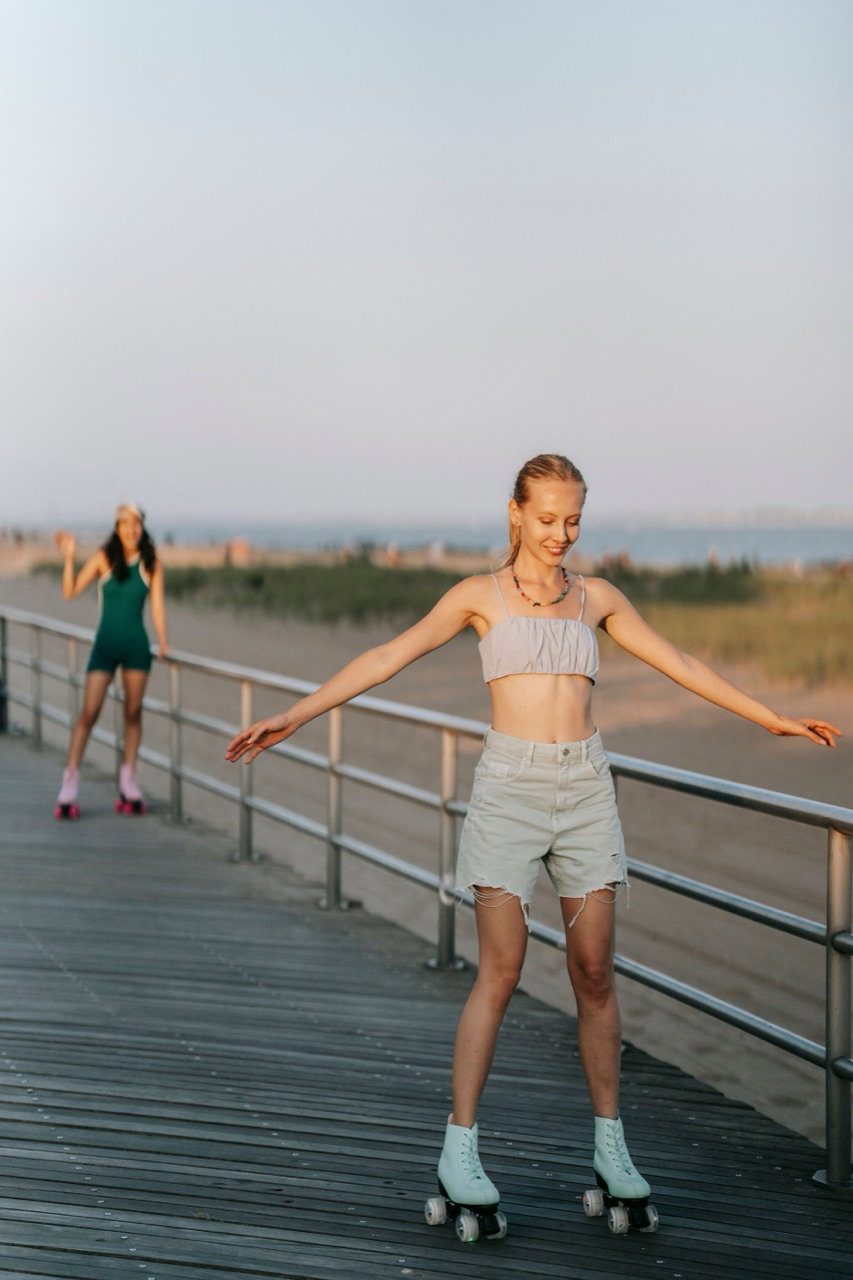
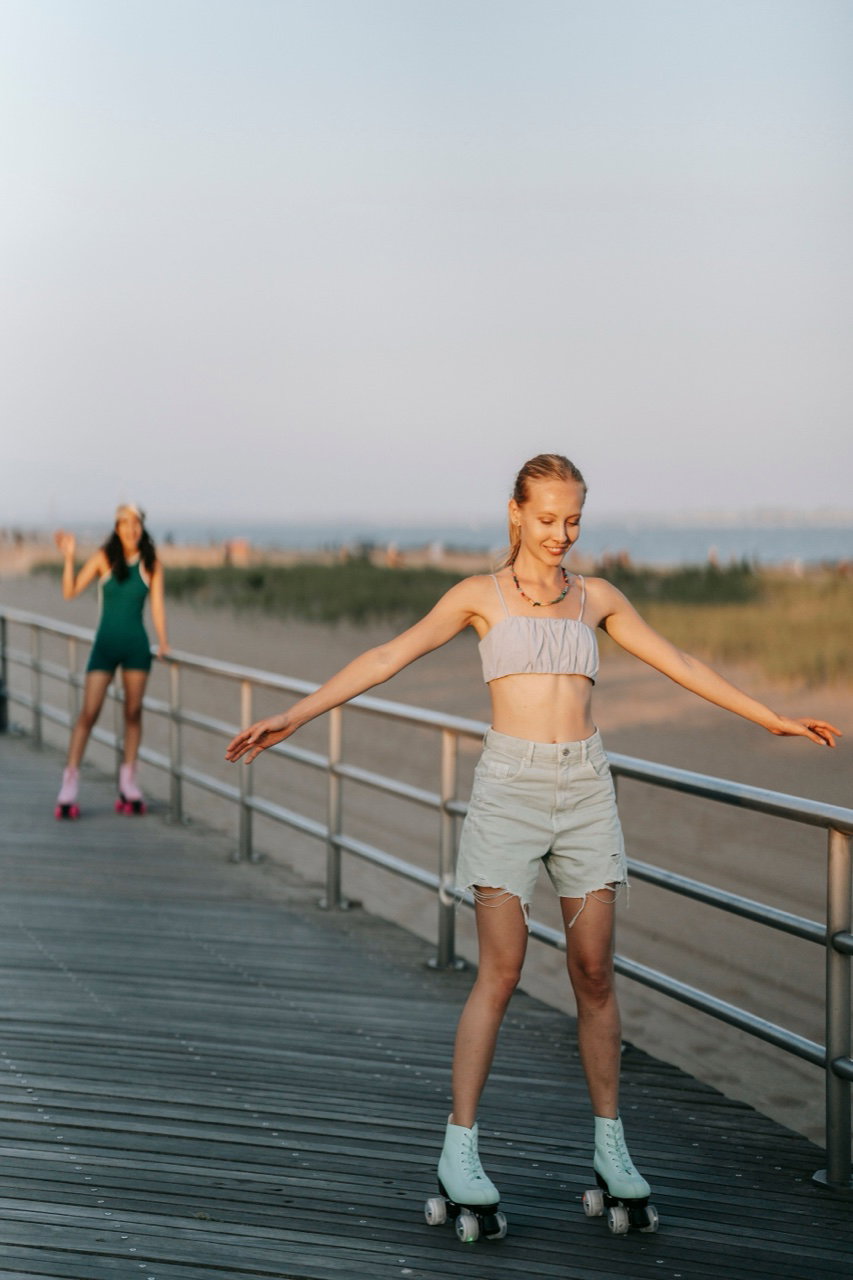
Original One model skating, the other far in the background
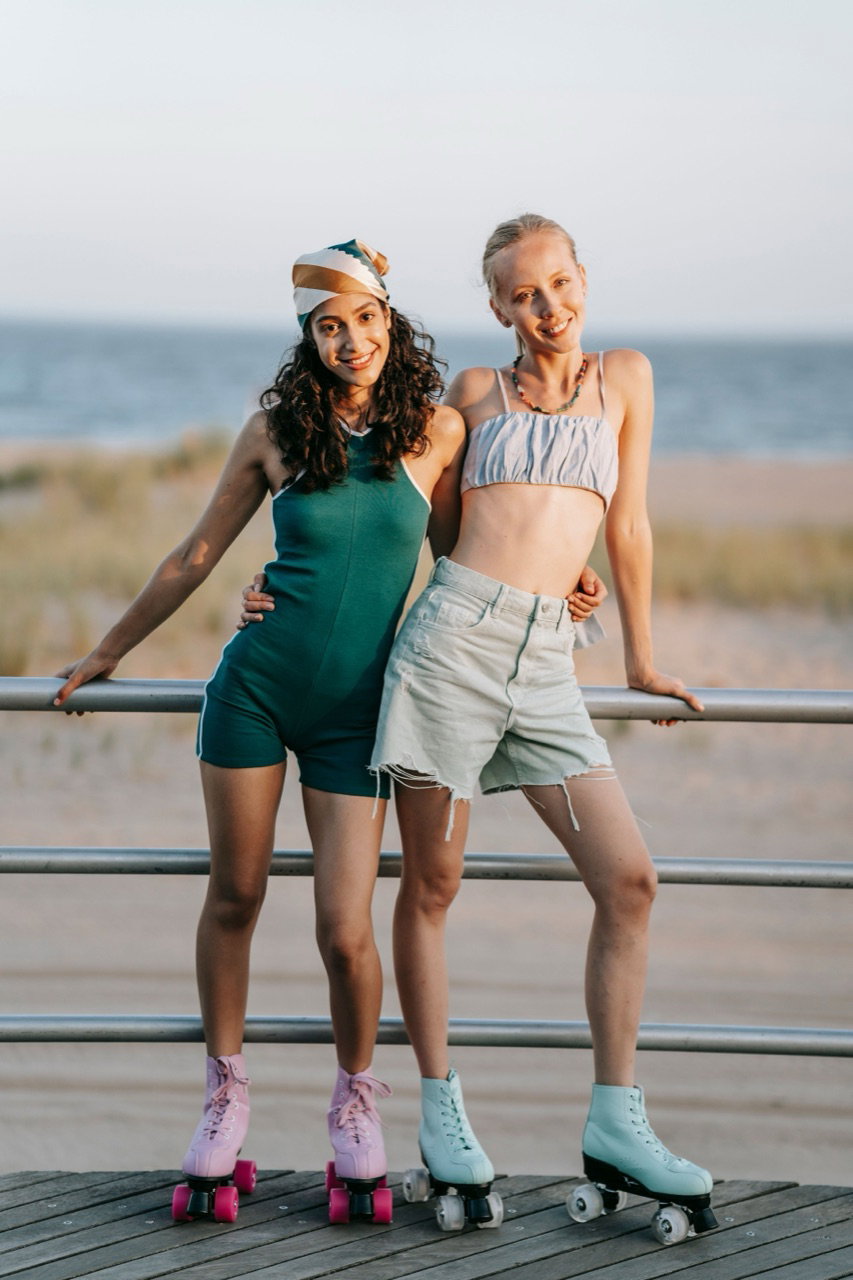
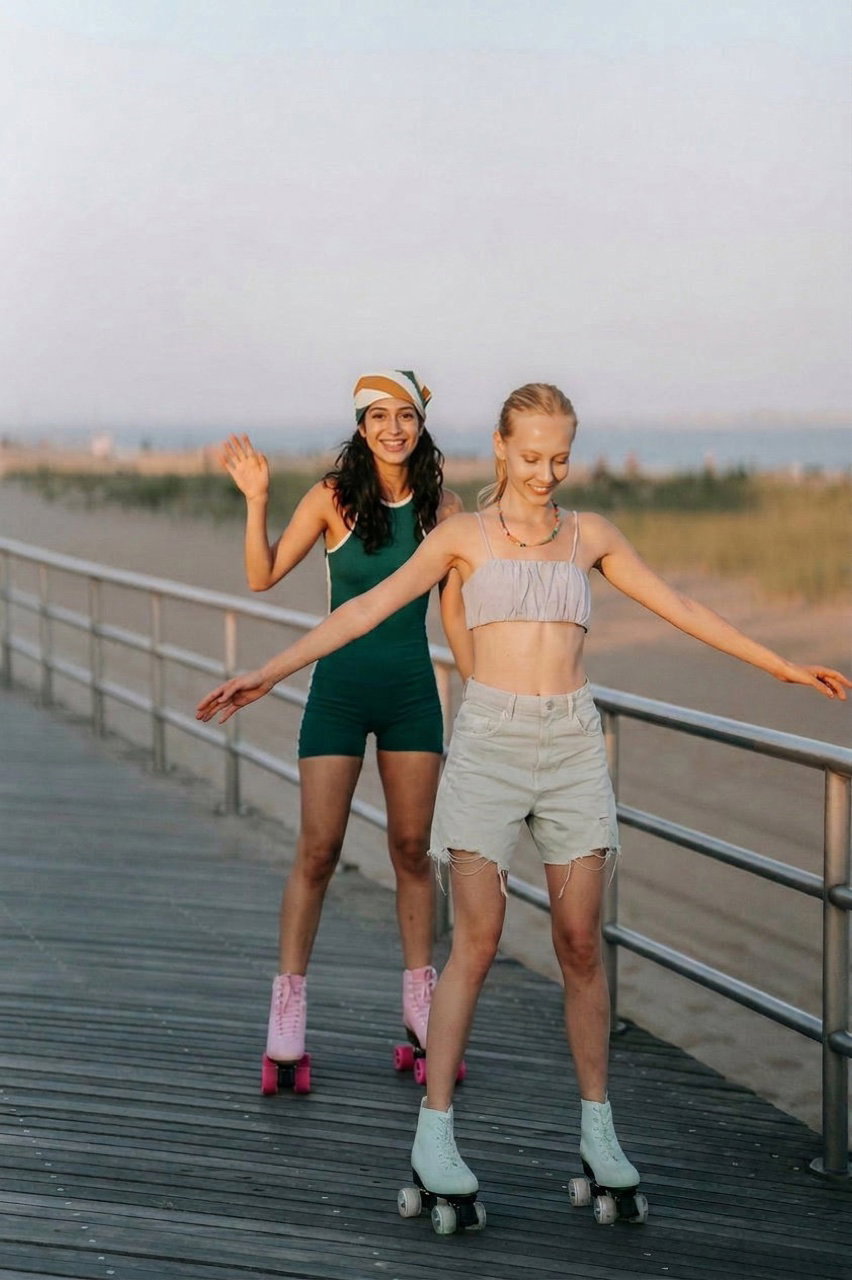
Edited Both models recomposed together in one clean two-shot

Pulled her friend forward from the background and recomposed the two-shot.

Unselfie
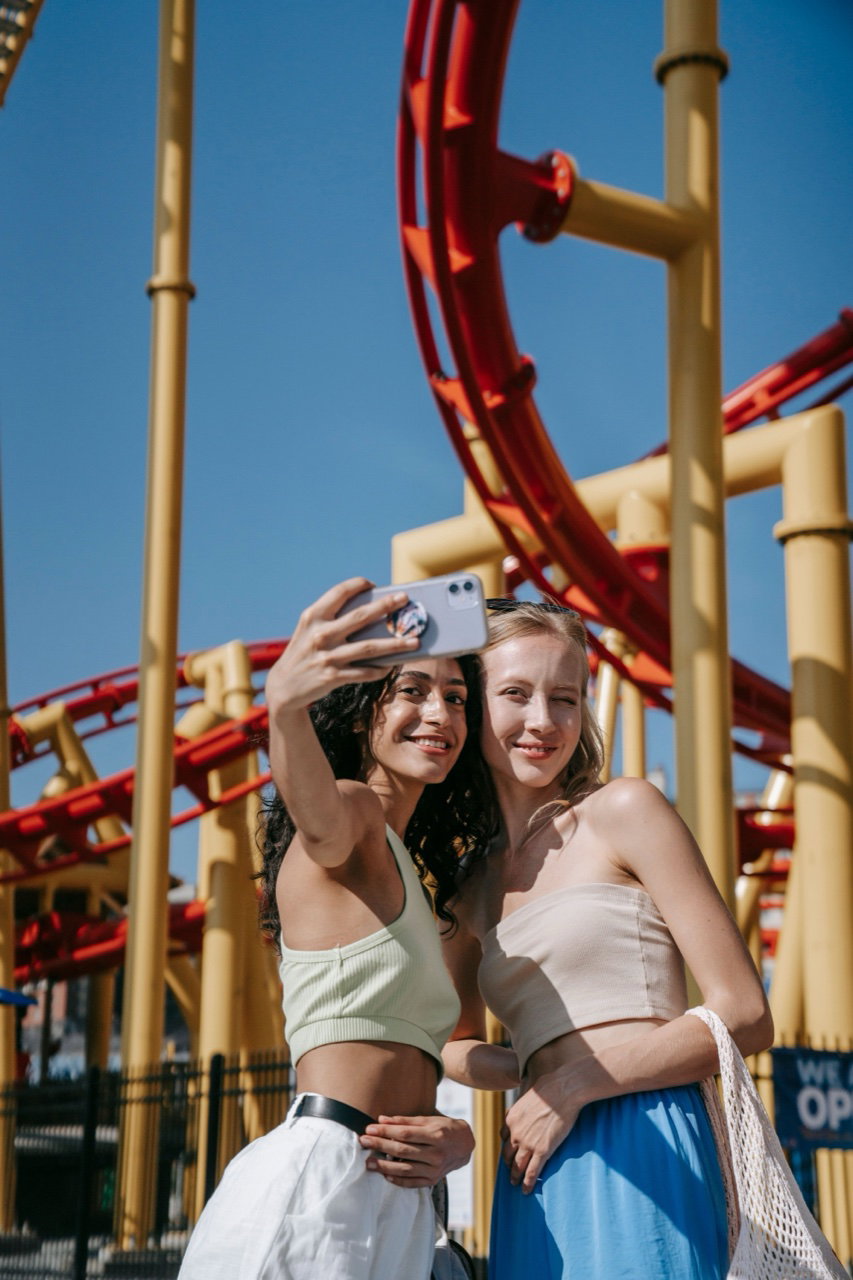
Original The two of them taking a phone selfie
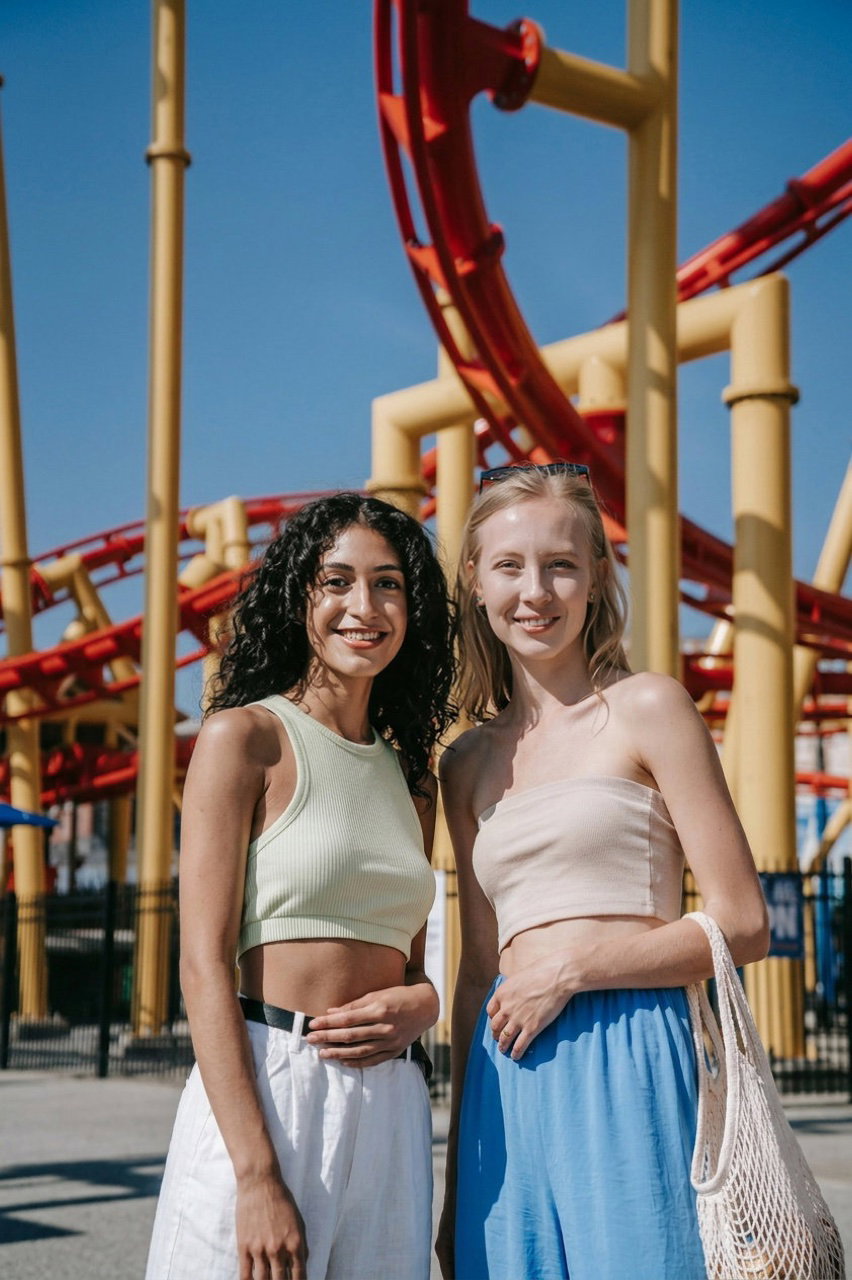
Edited The same moment as a natural photo taken by someone else

Turned the selfie into a shot taken by someone else, both faces kept true.

Better portrait
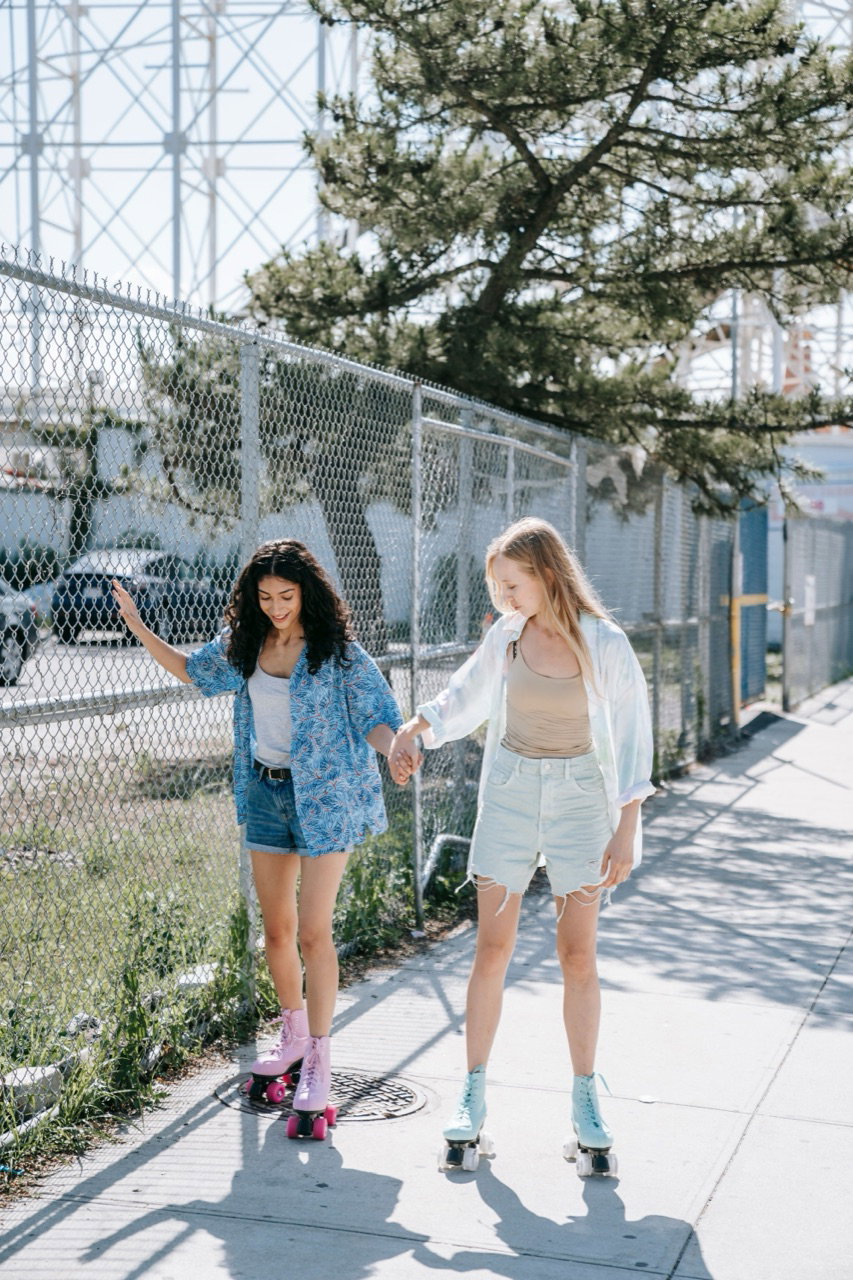
Original A candid frame of the two by a fence
Edited A posed, polished portrait of both, consistent with the shoot

Turned a candid into a posed portrait of both, on-model with the rest of the shoot.

How it works

From your photos to finished results.

  1. Train from a photo or a whole shoot

    Train a model of one person, or point Phota at an entire shoot and it detects and trains everyone in it.

  2. Edits stay anchored to the model

    The trained likeness holds each person steady, so even big edits keep them themselves.

  3. Edit again and again, no drift

    Run edit after edit on the same photo, open the eyes, relight, professionalize, and the person holds through every round.

  4. In a project, the shoot is the context

    Across a shoot, Phota uses the other frames as context, so any single shot can borrow from the whole set.

Why Phota

How it's better.

Faces survive the edit

The usual way

Standard AI editors treat faces like any other pixels — heavy edits melt or swap the person.

With Phota

Every edit is anchored to a trained likeness. Scenes transform; people don't.

No masks, no layers

The usual way

Protecting faces means manual selection, masking, and compositing.

With Phota

Describe the change in plain language — likeness protection is automatic.

Group photos included

The usual way

Multi-person edits multiply the damage — someone always comes out wrong.

With Phota

Multi-subject support is native: each trained person is preserved individually.

FAQ

Common questions

How is this different from a regular AI photo editor?

A normal editor treats a face like any other pixels, so push an edit and the person drifts. Phota anchors every edit to a trained model of the person, so you can restore, recompose, or upscale and they still look like themselves.

Does the person drift if I keep editing the same photo?

No. Each edit is re-anchored to the trained model, so you can stack many edits on one photo, open the eyes, remove glasses, relight, professionalize, and they stay the same person the whole way through.

What can I do with a whole photoshoot?

Point Phota at a shoot and it detects and trains everyone in it, then uses the rest of the frames as context. That's what lets it recompose a shot, turn a selfie into a real photo, or make a better portrait of the group, all on-model with the rest of the shoot.

Can it add or remove people from a photo?

Yes. Removing someone is straightforward. Adding someone works when their likeness is trained, so it places the real person in the frame instead of a lookalike.

Will edits change someone's face or skin tone?

No. That's the whole point of a trained model. Features and skin tone stay honest through restores, expression fixes, and upscales.

Do I need editing skills to use it?

No masks, layers, or brushes. Describe the edit in plain language and Phota handles the selection, lighting, and blending.