

Generative video that finally gets character consistency.

Likeness-locked keyframes anchor your video model, so the character stays the same person from the first frame to the last.

Building a character

Build a character model — real or synthetic.

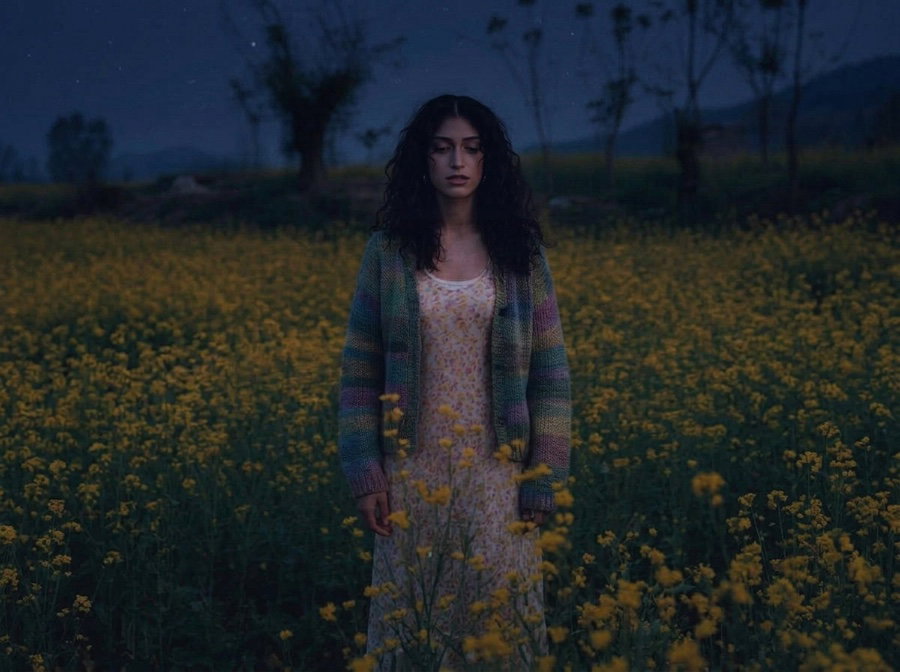
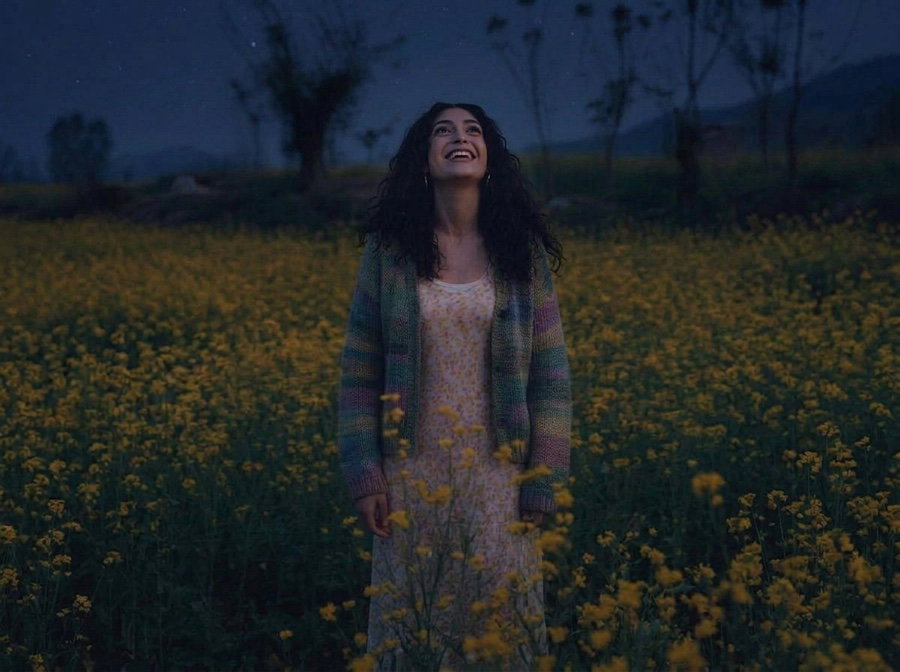
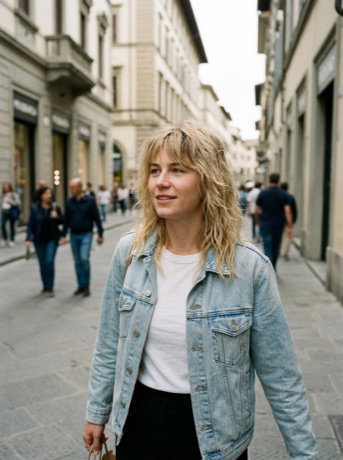
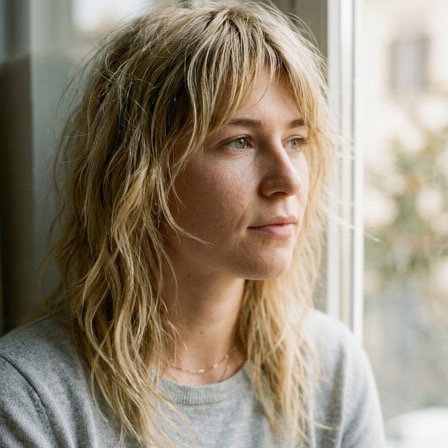
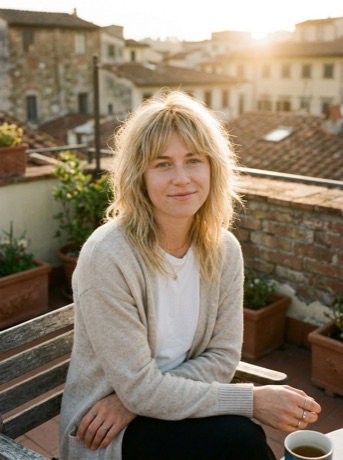
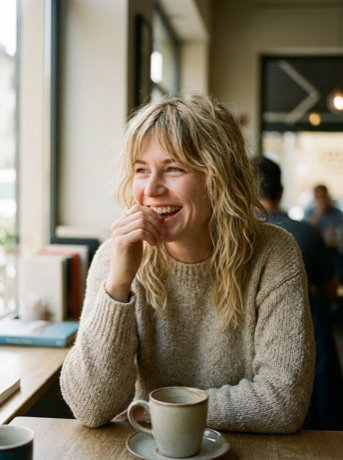
1 Synthetic character

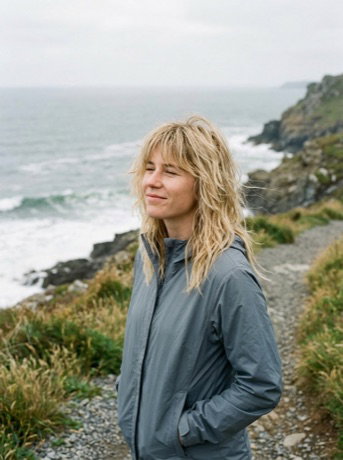
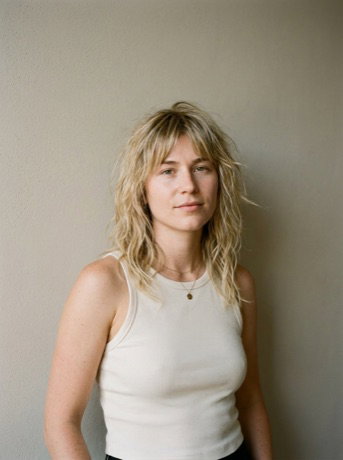
Generate an original character, keep only the frames that stay on-model (often about one in five) and train Phota on those. After that, it generates the character reliably.

@lena

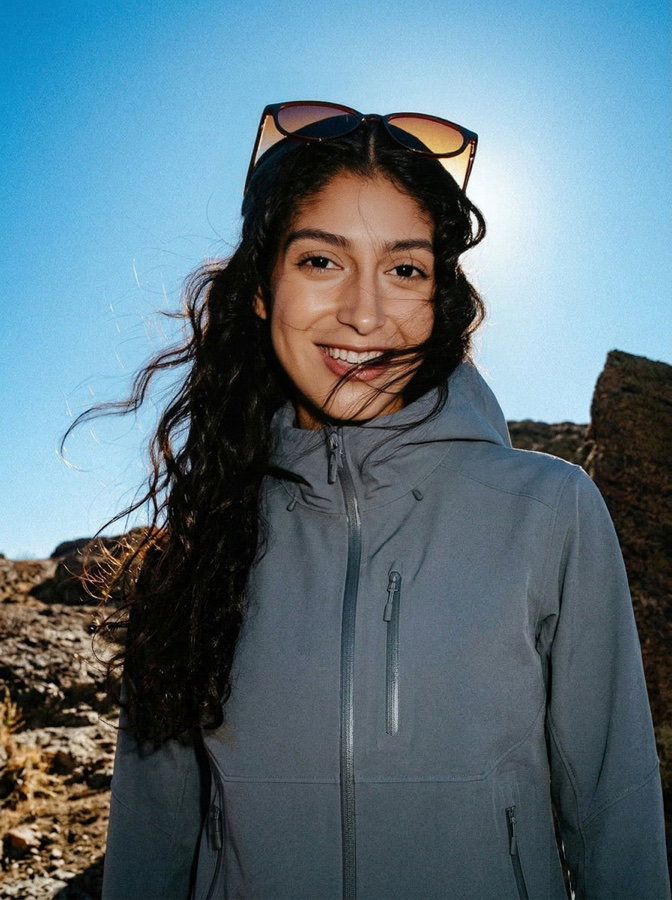
2 Real person

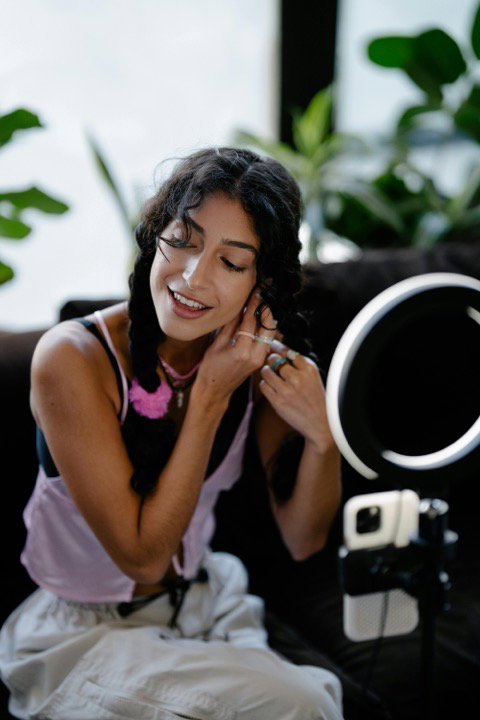
Or train from real photos of talent, exactly like any other Phota model.

@tiana
Use cases

Keyframes that anchor any video model.

01 / 02

First & last frames

Give your image-to-video model a start and end frame of the same person, and let it fill in the motion between them.

Cast
@tiana
Keyframes Generated with Phota

Start Start keyframe — the chef beginning to plate
End End keyframe — the same chef, plating finished
Your video model
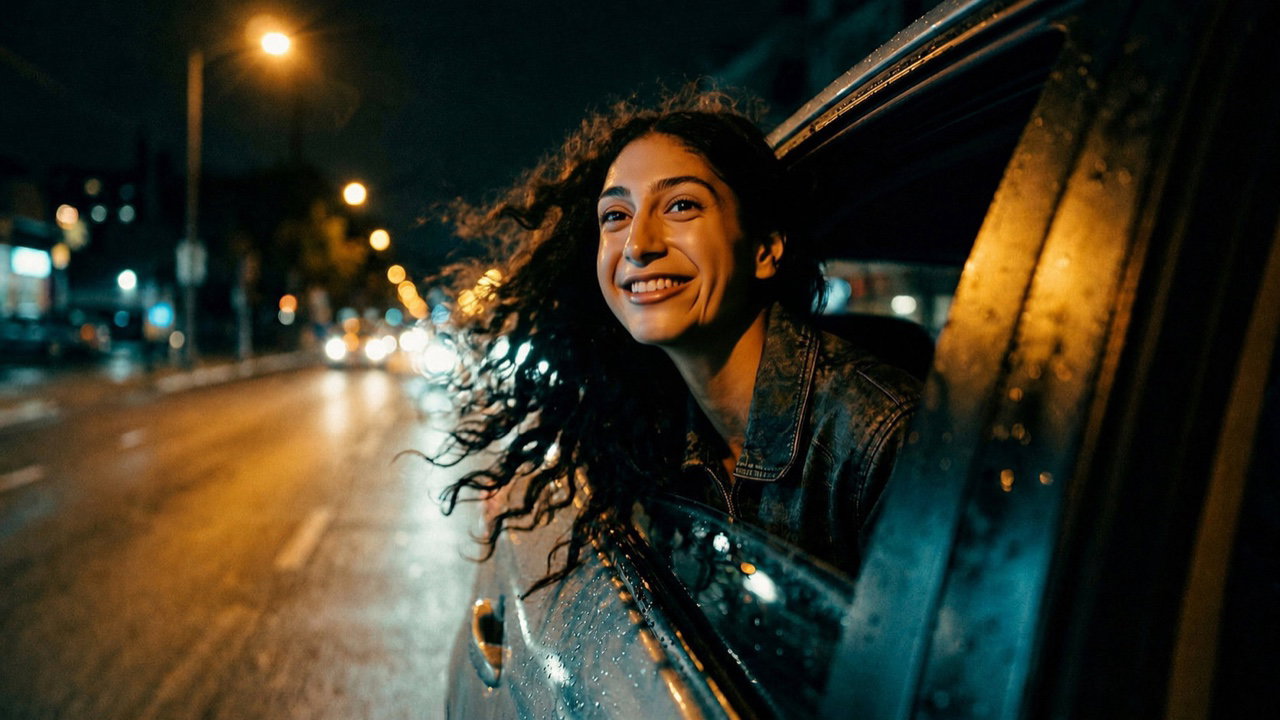
Keyframes Generated with Phota
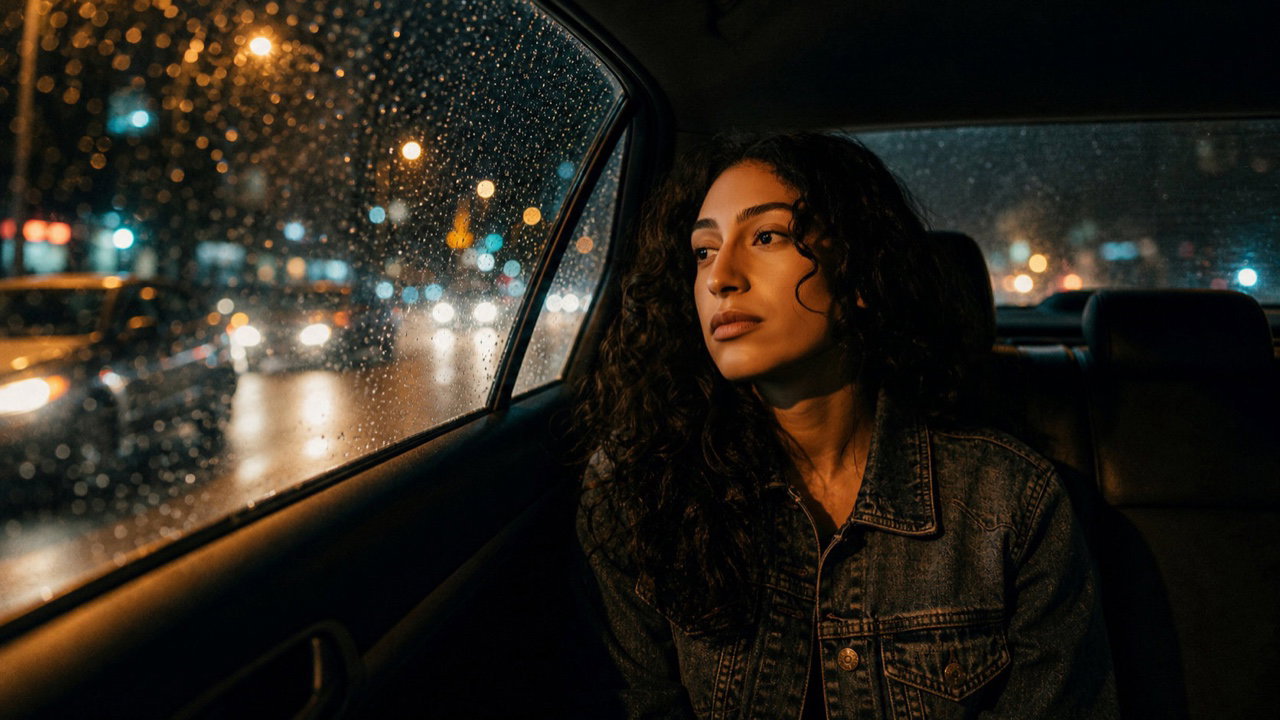
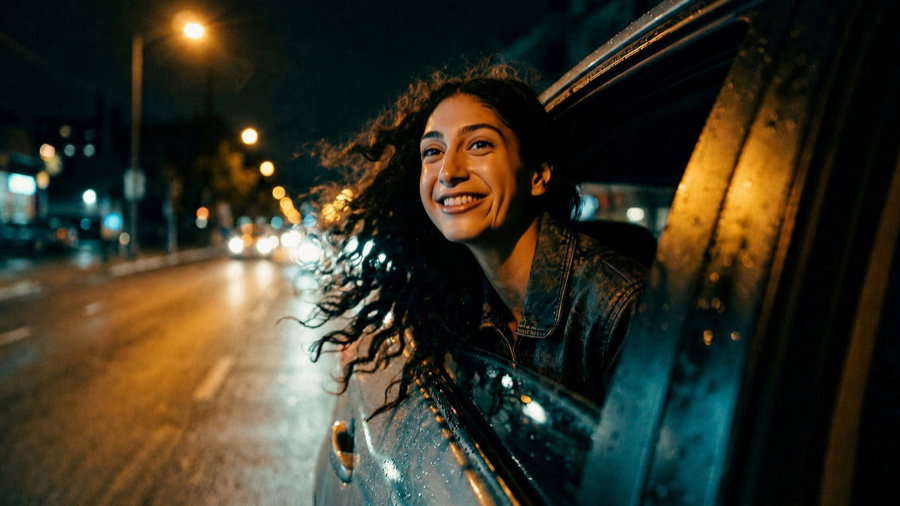
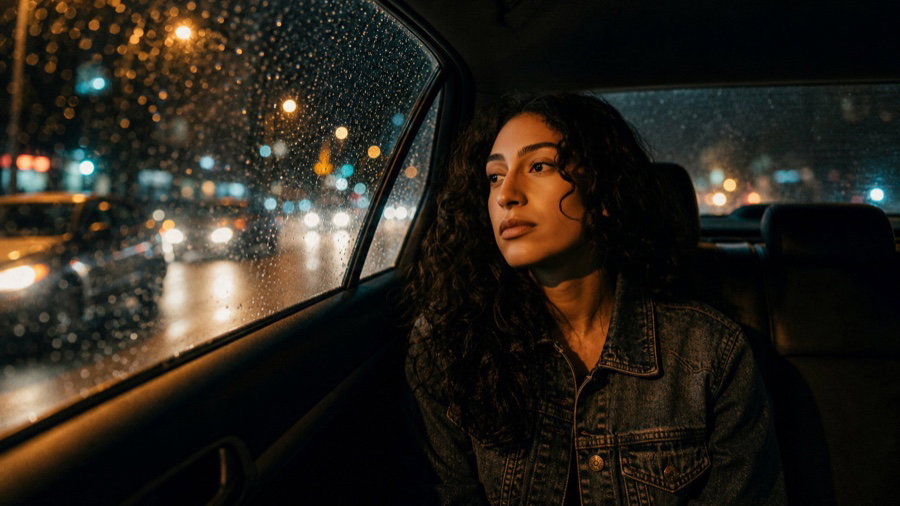
Start Start keyframe — the same character in a cab at night
End End keyframe — the same character, later in the shot
Your video model
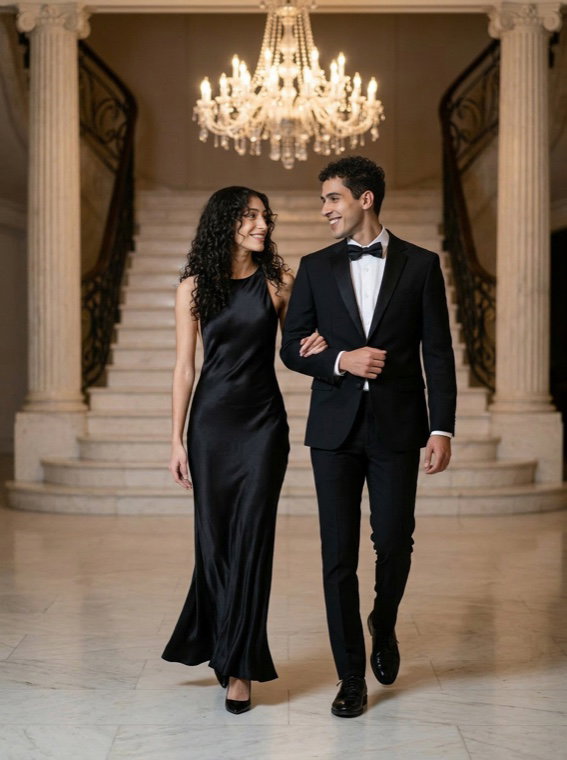
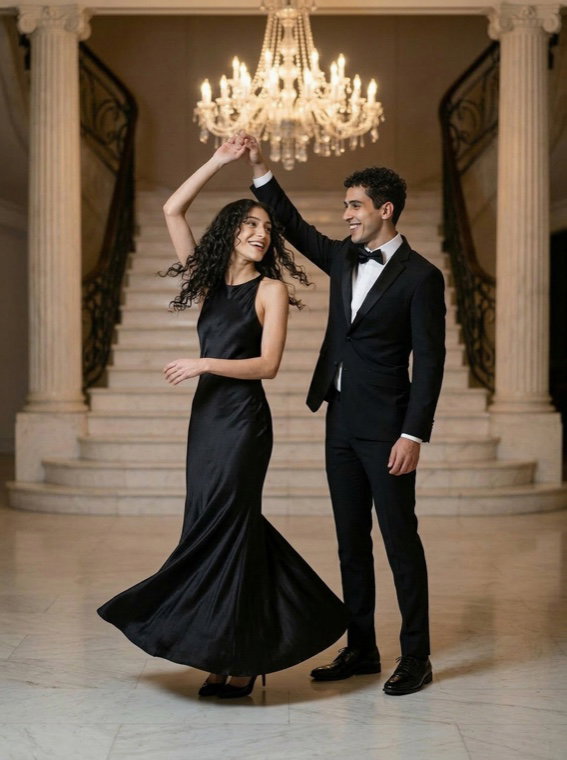
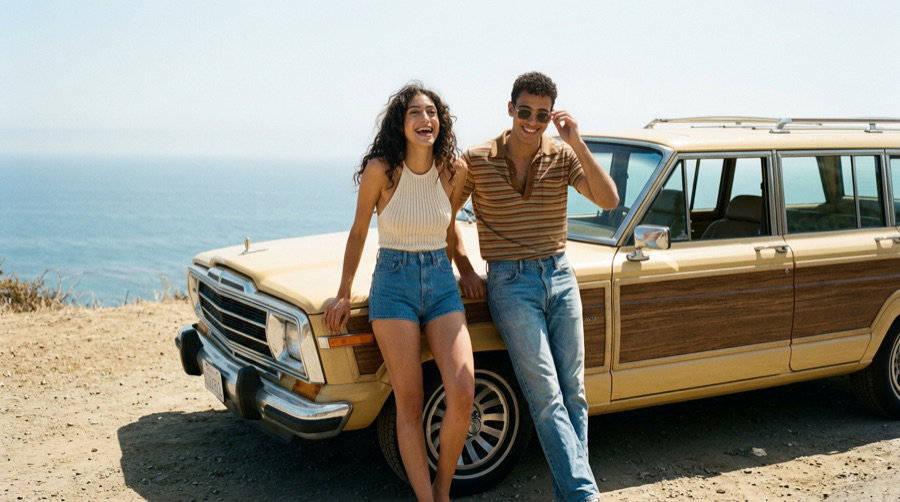
Phota · Start Start keyframe — couple in a hall
Your video model
Phota · End End keyframe — the same couple, mid-twirl
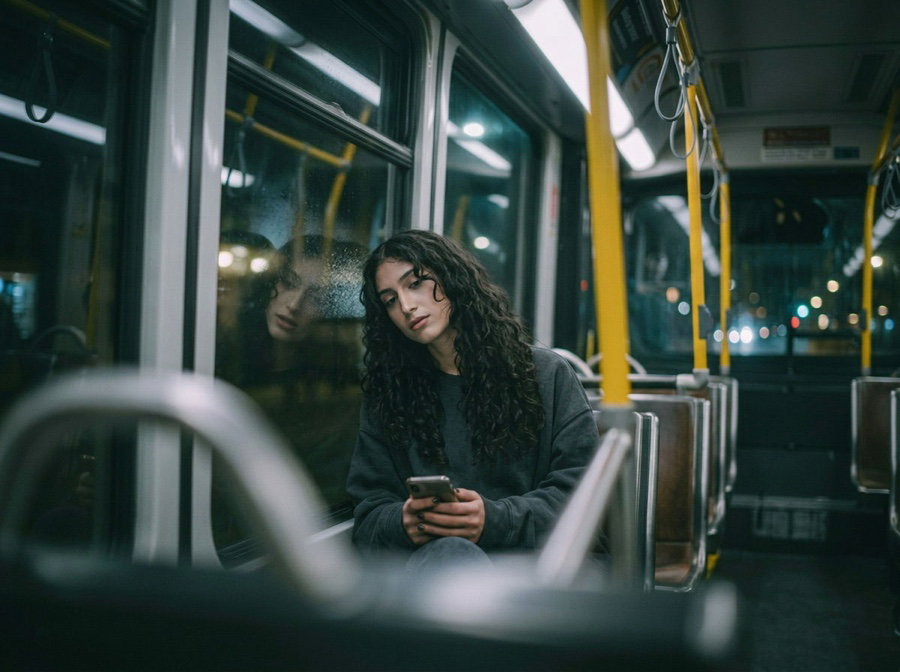
Phota · Start Start keyframe — on the dance floor
Your video model
Phota · End End keyframe — the same person, later in the shot

Phota generates the likeness-locked start and end frames, and your image-to-video model fills in the motion between them.
02 / 02

Scene-to-scene continuity

Anchor each shot with keyframes from the same likeness, so the clips cut together into one piece.

Cast
@tiana
Keyframes One per scene · generated with Phota
Scene keyframe 1
Scene keyframe 2
Scene keyframe 3
Scene keyframe 4
Scene keyframe 5
Scene keyframe 6
Scene keyframe 7
Scene keyframe 8
One continuous cut

A Phota keyframe anchors every scene with the same character, so the clips cut together into one continuous piece.

How it works

From your photos to finished results.

  1. Train the character likeness

    Real talent or an original character. Train a likeness model from a handful of images.

  2. Generate likeness-locked keyframes

    First and last frames, or an anchor for every shot, composed and lit to match the character.

  3. Feed your video model

    Drop the keyframes into any image-to-video model, and it fills in the motion between them.
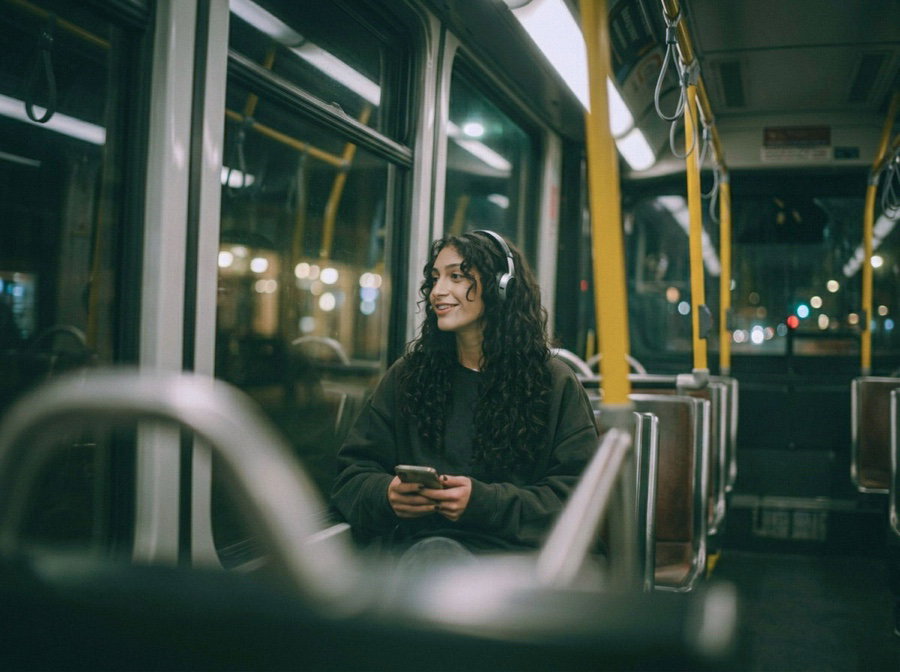
  4. Iterate without drift

    Re-anchor, extend, and cut shots together. The character stays the same across takes.

Why Phota

How it's better.

Anchored motion

The usual way

Video models drift over frames, so the person at the end of a shot isn't the person at the start.

With Phota

Likeness-locked keyframes pin the shot at both ends, so identity doesn't drift.

Works with any video model

The usual way

Per-model character setups don't transfer between video tools.

With Phota

Keyframes are just images, so they work with whatever image-to-video model you run.

Continuity across shots

The usual way

Each clip re-invents the character, so sequences don't cut together.

With Phota

Every keyframe comes from the same persistent likeness to match the shots.

FAQ

Common questions

Why do AI videos change the person mid-shot?

Video models have no persistent identity. They generate motion frame by frame, and the face drifts along the way. Anchoring the shot with likeness-locked keyframes holds generation to the same person at the points that matter.

Which video models does this work with?

Any image-to-video model that accepts a start frame, an end frame, or reference frames. Keyframes are standard images, so they work with whatever video pipeline you already use.

Does likeness hold during the motion between keyframes?

Anchors reduce drift a lot because generation is held at both ends of the shot. For deeper control, native video personalization is on our roadmap.

Can I keyframe original characters, not just real people?

Yes. Synthetic characters train into likeness models just like real talent, so an original character anchors video just as consistently.

Can I keyframe more than one person in a shot?

Yes. Train a model for each person, then put them together in the same keyframe. Everyone keeps their own likeness, so a shot with two or three people holds the same way a solo shot does.